Does CleoSocial Protect Your Privacy? What to Know Before You Sign Up
Does CleoSocial protect your privacy? Is it safe to sign up for? Those are fair questions before you hand over an email address. Social media has a bad...
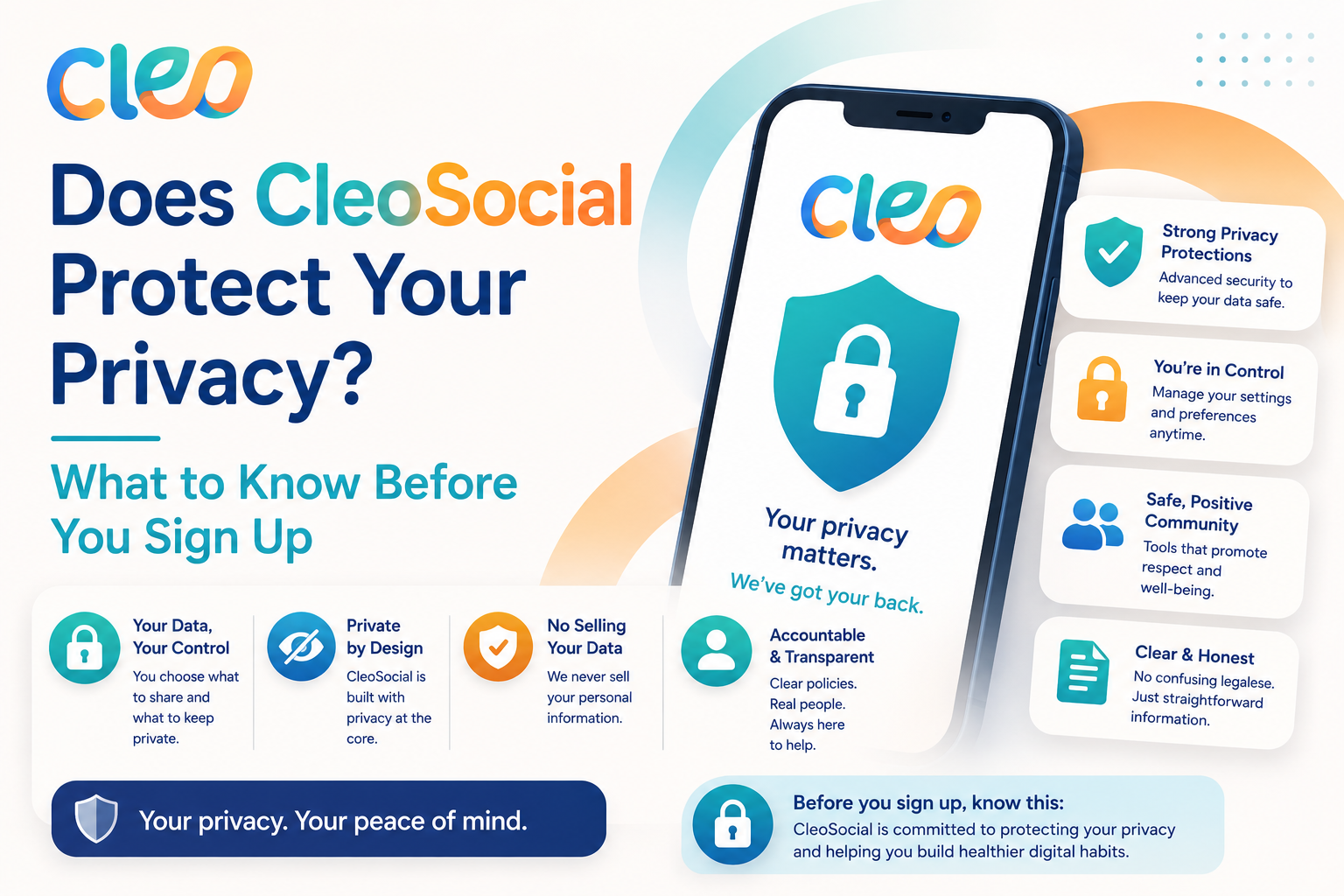
Table of Contents
Does CleoSocial Protect Your Privacy? What You Should Know Before Signing Up
Does CleoSocial protect your privacy? Is it safe to sign up for? Those are fair questions before you hand over an email address. Social media has a bad track record on privacy. It makes sense to ask before you sign up.
This article covers what CleoSocial says about its approach to privacy. What to check on your own. What you should realistically expect from any social app.
Does CleoSocial Protect Your Privacy? What the Company Says
CleoSocial's stated mission is "social media engineered for sanity." The company is public about its position that it does not use dark patterns or hidden algorithms to maximize your time in the app.
According to the official site at cleosocial.app. CleoSocial does not rely on engagement-maximizing tactics. The app is designed around user control. Content ratings, Quiet Hours, Feed Control — not around data harvesting for advertising.
This design philosophy is different from most social platforms. Where your data and attention are the product. CleoSocial's stated approach is transparent: it tells you what it does. How the app works. Why.
What Are Dark Patterns?
Dark patterns are design tricks that push users toward actions they did not intend. Like signing up for a subscription you did not want. Staying in an app longer than planned. Sharing more data than you meant to. Examples include pre-checked consent boxes. Confusing settings that make it hard to opt out. Notifications designed to pull you back in.
CleoSocial explicitly states it does not use dark patterns. That is a meaningful claim. It sets an expectation you can hold the company to.
What to Check for Yourself
No app's privacy is fully described by what the company says on its homepage. Before signing up for any social app, here is what to check:
1. Read the Privacy Policy. The CleoSocial privacy policy is linked from cleosocial.app. Read it before signing up. Look for: what data is collected, how it is used. Whether it is shared with third parties. How you can delete your account and data.
2. Check the App Store privacy label. Apple requires apps to disclose their data practices in the App Store listing. Search for CleoSocial in the App Store and scroll to the "App Privacy" section. It will show you categories like data linked to you. Data used to track you.
3. Look at the permissions the app requests. When you install CleoSocial, iOS will ask you to grant permissions. Things like access to your photos, contacts, or notifications. Only grant the permissions that make sense for a social app you want to use. You can always adjust permissions later in your iPhone's Settings.
What CleoSocial Does Not Claim
CleoSocial does not make blanket claims that it is the most private social app available. It makes specific, honest claims: no dark patterns, no hidden algorithms, transparent design. That is the right kind of claim — concrete and checkable.
No social app can guarantee zero data collection. Running a social app requires some data. The question is what data is collected, how it is used. Whether it is used against your interests. For those specifics, the privacy policy is the authoritative source.
How CleoSocial Differs from Most Social Platforms on Privacy
Most major social apps are funded by advertising. To sell targeted ads, they collect detailed data. What you look at. How long you linger. What you tap on. They track all of it.
The result is an app designed to learn as much about you as possible. More data means more precise ad targeting.
CleoSocial does not describe an ad-supported model. The app is free. The company does not describe an advertising model on its site. That does not automatically mean your data is safe. But the incentive structure is different.
Privacy Settings You Control
CleoSocial puts a range of controls in your hands:
- Content ratings: You control what appears in your feed, which reduces the amount the app needs to learn about your reactions to content.
- Quiet Hours: You set when the app is active, which limits engagement-tracking windows.
- Feed Control: You set your preferences rather than letting the app infer them from your behavior.
These design choices are consistent with a privacy-respecting approach. Even if they do not replace a careful read of the privacy policy.
Should You Trust CleoSocial with Your Data?
Trust in social apps is built through behavior, not promises. CleoSocial has made clear, honest claims about its design. Those claims are worth taking seriously. They are also worth verifying. Check the privacy policy and the App Store disclosure.
The practical steps are simple:
- Read the privacy policy at cleosocial.app.
- Check the App Store privacy label.
- Review the permissions you grant when you install the app.
If what you find aligns with your comfort level. CleoSocial is worth signing up for. The app is free. The design is built around your control. Not around capturing your attention.
Does CleoSocial Protect Your Privacy? The Bottom Line
CleoSocial states clearly that it does not use dark patterns or hidden algorithms. It is designed for user control, not engagement maximization. These are good signs.
For full privacy details. Read the privacy policy on cleosocial.app. Check the App Store privacy label before signing up. Those two steps will give you the specific data you need to make a confident decision.
Download CleoSocial free from the App Store. Or visit cleosocial.app to start with the privacy policy. Official site before you sign up.
What to Look for in Any App's Privacy Practices
Privacy on social apps comes down to concrete questions. What data does the app collect? How is it used? Is it shared with others? Can you delete your data? How will you know if policies change?
For CleoSocial. The answers to these questions are in the privacy policy at cleosocial.app. In the App Store privacy label. Those are the authoritative sources. Here is how to read them.
The privacy policy is a legal document. It tends to be long and technical. Look for sections on data collection, data use, third-party sharing, and data deletion. If the policy is clear and specific, that is a good sign. If it is vague about what data is collected or how it is used. Is worth noting.
The App Store privacy label is more readable. It shows the categories of data collected. It shows whether that data is linked to your identity. It shows whether it is used to track you across other apps. For CleoSocial, find the listing in the App Store. Scroll to the App Privacy section.
What Dark Patterns Look Like and Why CleoSocial Says It Avoids Them
Dark patterns are design choices that work against you. They are common in apps that depend on your attention or data for revenue. Here are some common examples.
Autoplay that moves to the next piece of content without you choosing to watch it. Notifications designed to make you feel you are missing out if you are not in the app. Pre-checked boxes that sign you up for marketing you did not ask for. Confusing settings that make it hard to reduce the data the app collects. Feeds that show you content chosen to trigger emotional reactions rather than content you chose to see.
CleoSocial's stated position is that it uses none of these. The app is designed for user control, not for capturing your attention. Quiet Hours helps you step away. Feed Control puts you in charge of what you see. The company says this explicitly on cleosocial.app.
You can verify this against your own experience using the app. If you find a design choice that seems to work against your interests. Is worth noting. The company has stated a clear standard. Hold them to it.
Privacy in Practice: What You Control
When you use CleoSocial, you have real control. Most social apps do not give you this.
You set your content level. The app does not infer your preferences from your reactions. It does not serve you more of what spikes your emotions. You state your preferences explicitly.
You set Quiet Hours. The app goes quiet during that window. It is not trying to pull you back in during times you have said you want to step away.
You set Feed Control. You choose the categories you want to see. The app does not override your choice based on engagement data.
These design choices reduce the amount of data the app needs to collect about your behavior in order to function. An app that skips emotional trigger tracking collects less behavioral data. That is a real privacy difference.
Does CleoSocial Protect Your Privacy? Final Answer
CleoSocial states clearly that it does not use dark patterns. It does not use hidden algorithms. It is designed around user control. That is a better starting point than most social apps.
For specific data details. Read the privacy policy at cleosocial.app and check the App Store privacy label. Those documents have the full picture.
If what you find aligns with your comfort level. CleoSocial is worth signing up for. It is free and easy to try.
Download CleoSocial from the App Store or visit cleosocial.app to read the privacy policy before you sign up.
Ready for Social Media That Respects You?
CleoSocial puts you in control. Content ratings, time limits, and real connections. Free to use, always.