Is CleoSocial Safe and Legit? What to Know Before You Sign Up
Is CleoSocial safe and legit? That is the right question to ask before you put any new app on your phone. There are a lot of apps that promise to improve...
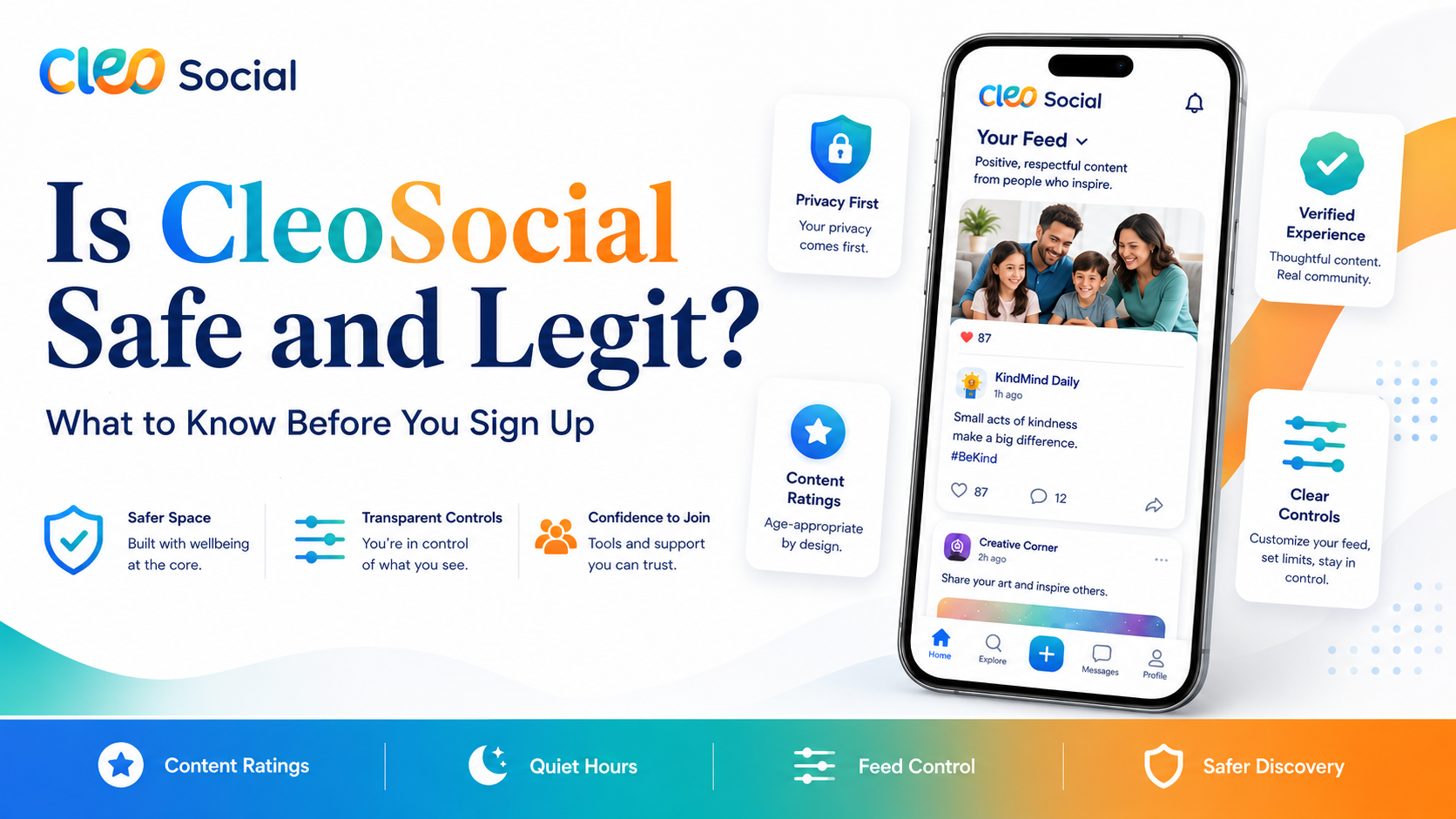
Table of Contents
Is CleoSocial Safe and Legit? What to Know Before You Sign Up
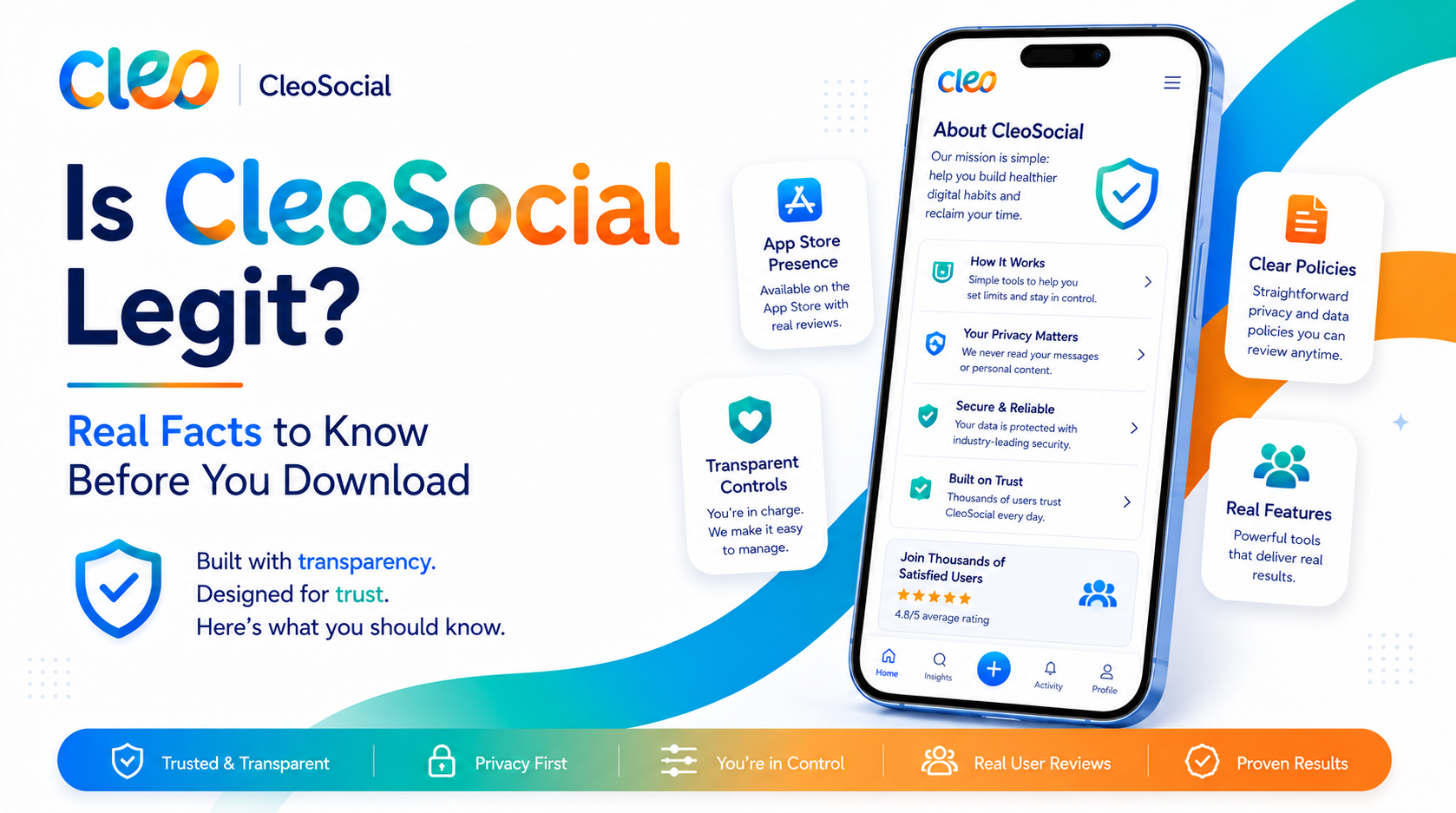
Is CleoSocial safe and legit? That is the right question to ask before you put any new app on your phone. There are a lot of apps that promise to improve your social media life. Many of them do not deliver. Some of them are not honest about what they do. This article gives you the real facts so you can decide for yourself before you download anything.
The Short Answer
Yes. CleoSocial is a real app. It is in the Apple App Store. It is free to download. The company is open about what it does. It does not ask for payment. It is not a scam. But you should still know the details before you sign up.
What Is CleoSocial?
CleoSocial is a social media app for iPhone. It is built for people who want a calmer and safer feed. The app uses AI to rate every post in your feed. Posts get rated G, PG, PG-13, or R — the same way movies are rated. The AI that does this work is named Cam. Cam is the app's built-in guardian.
R-rated posts are blocked by default. You do not have to do anything to stop them. They just do not appear. You choose whether to allow PG-13, PG, or only G content. You set the level once. Cam does the filtering every time after that.
The company describes CleoSocial as social media engineered for sanity. That phrase means the app is built to help you. It is not built to keep you glued to your screen.
Why Most Social Apps Are Different
To understand why CleoSocial matters, it helps to know how other social apps work. Most platforms are built to keep you scrolling as long as possible. The more time you spend in the app, the more ads they can show. That is how they earn money.
To keep you scrolling, those apps show you content that gets a strong reaction. This often means upsetting news, conflict between people, or graphic posts. Those things trigger strong feelings. Strong feelings keep you looking. That is the design.
CleoSocial is built the other way. The app gives you the controls. You decide what reaches your feed. The app does not try to push content that triggers you.
What Features Does CleoSocial Have?
Here is a clear list of what CleoSocial offers. This comes from the official site at cleosocial.app and the App Store listing.
AI Content Ratings. Every post in your feed gets rated before you see it. The ratings are G, PG, PG-13, and R. G means it is fine for everyone. PG means mild content is possible. PG-13 means some stronger content may appear. R means it is intense or graphic. R is blocked by default. You pick your own ceiling for the rest.
Quiet Hours. You set a window when the app goes quiet. No alerts. No vibrations. No temptation to open it. This works well for bedtime, work focus blocks, or family meals.
Feed Control. You choose what kinds of posts appear. The app does not run a secret algorithm that overrides your choices. You set the parameters. Your feed follows them.
Mindful Discovery. When you explore new content, the discovery feature shows you things that match what you asked for. It is not trying to hook you with content that spikes your emotions.
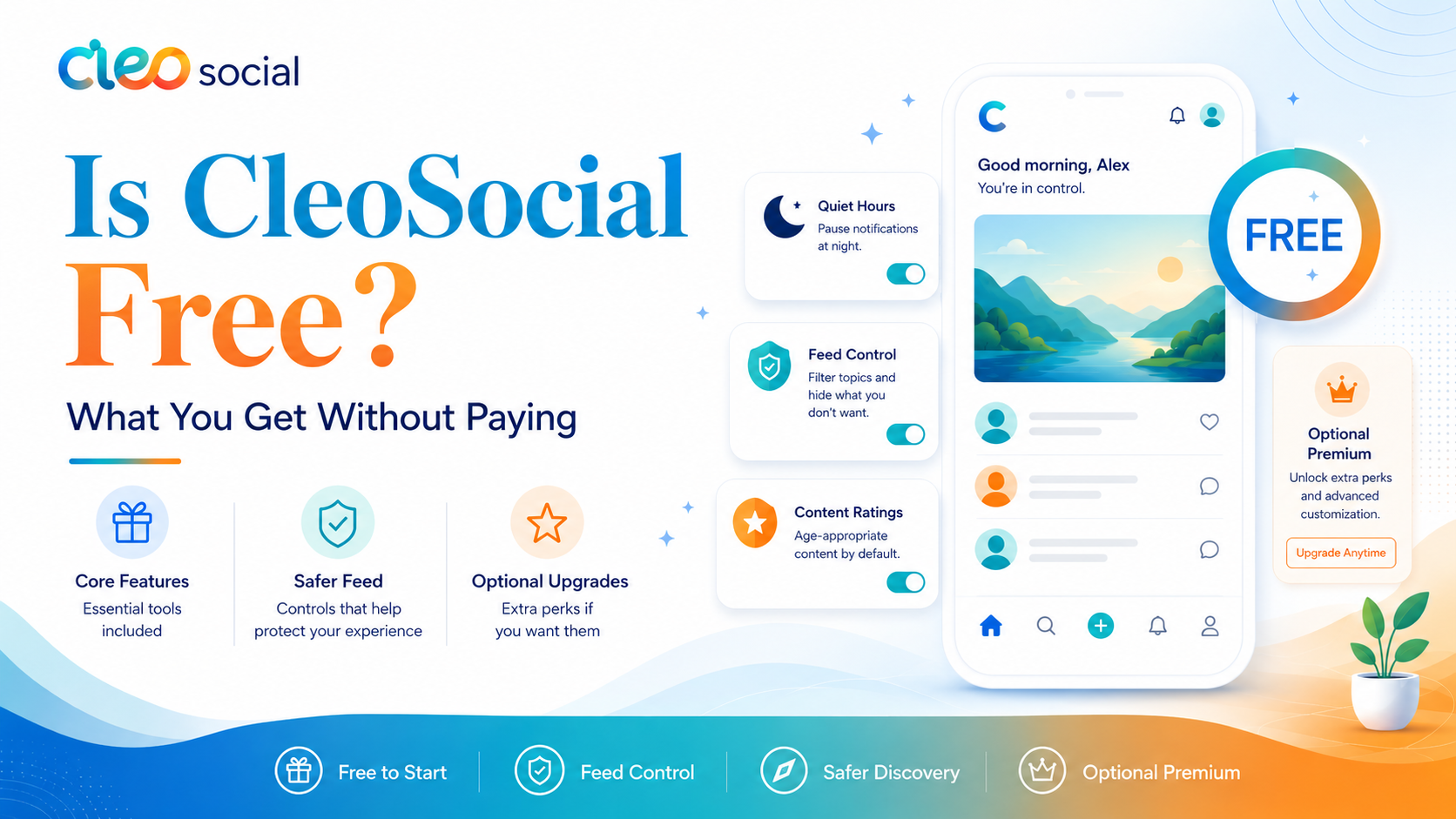
All of these features come with the free download. You do not need to pay to access them.
Is CleoSocial Really Free?
Yes. CleoSocial is free to download. You do not enter a credit card. There is no free trial that turns into a subscription. There is no premium tier you need to unlock the features above. Based on the information at cleosocial.app and the App Store listing, the app is free. If that ever changes, the App Store listing will say so.
How to Check If CleoSocial Is Legit
You can verify this yourself in a few minutes. Here are the steps.
Open the App Store and search. Type CleoSocial into the search bar. The listing appears. You can see the app name, screenshots, and description. You can see it was reviewed and accepted by Apple. Apple checks apps before listing them. That alone tells you this is a real product.
Visit cleosocial.app. Go to the official website. The site explains clearly what the app does, who it is for, and what the company believes in. A scam product does not usually have a clear and honest website like this one.
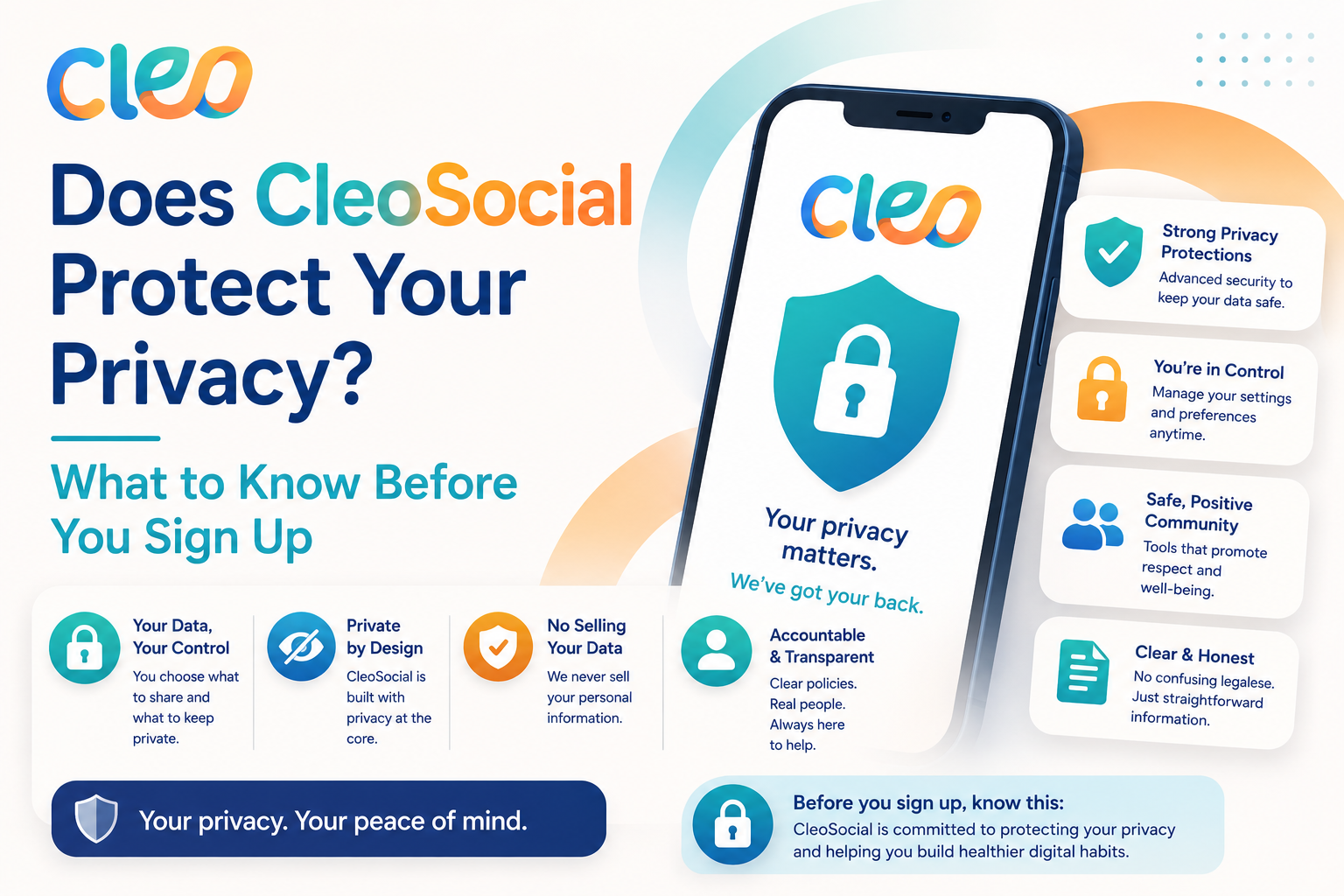
Read the App Store privacy label. Apple makes every app disclose its data practices. Scroll to the App Privacy section in the CleoSocial listing. It shows you what data is collected and how it is used.
Check the permissions the app requests. When you install any app, your iPhone shows you what access it wants. Location, camera, contacts — each one is listed. Only grant what makes sense. You can change these later in your phone settings.
Running these four checks on CleoSocial takes about five minutes. What you find is a real app with transparent disclosures.
What CleoSocial Says About Its Design
The company states openly that it does not use dark patterns. A dark pattern is a design trick that makes you do something you did not plan. Examples include pre-checked boxes, hidden charges, notifications that make you feel anxious, and feeds that push upsetting content to keep you looking.
CleoSocial says it uses none of those. The app is designed to let you leave when you want. That is the opposite of what most social apps
More Reasons to Feel Confident About CleoSocial
Some people still have doubts after reading a review. That is fair. Here are a few more things worth knowing.
CleoSocial has been available in the App Store. Apple reviews apps before they go live. They check for malware, deceptive behavior, and privacy violations. An app that makes it through that process and stays listed is not a fly-by-night product. It went through a real check.
The company publishes a clear description of its product on its website. It names the features. It says what the app does. It does not hide behind vague language. That kind of openness is a good sign.
The app does not ask for odd permissions. It does not need access to your bank app, your text messages, or your precise location just to show you a filtered social feed. When an app asks for more access than its purpose requires, that is a warning sign. CleoSocial does not do that.
What Happens If You Do Not Like It
You can delete CleoSocial at any time. Press and hold the app icon. Tap Remove App. The app is gone from your phone. There is no fee for deleting. There is no cancellation process. There is no penalty. You just remove it like any other app.
This matters because it removes the risk. If the app does not help you, you lose nothing. You spend a few minutes trying it. If it works, great. If it does not, you delete it and move on.
What Real Users Look for in a Safe App
People who are careful about apps usually check a few things. They want to know if the app is in a major app store. They want to know if the company has a real website. They want to know if the app asks for reasonable permissions. They want to know if there are hidden charges. CleoSocial meets all of those checks.
The content rating system is the main feature. You get G, PG, PG-13, and R. R is blocked by default. That is not a trick. That is the actual behavior of the app. You set a level. The AI keeps posts above that level out of your feed.
Quiet Hours in Practice
Here is what Quiet Hours looks like in real life. You decide you do not want to scroll after nine at night. You go into Settings in the CleoSocial app. You set Quiet Hours to start at nine PM and end at seven AM. From that point on, the app goes quiet every night at nine. No badge count on the icon. No sounds. No buzz.
When you wake up in the morning, the app is active again at seven. You did not have to think about it. You set the rule once and it runs on its own.
This is a small thing. But small things add up. If you have ever picked up your phone at midnight out of habit and scrolled for an hour without meaning to, Quiet Hours addresses that habit at its source.
Feed Control in Practice
Feed Control works the same way. You open the app settings. You pick the content categories you want to see. You turn off the ones you do not. Your feed changes to match.
Most social apps do not give you this kind of direct control. They use algorithms to pick for you. Sometimes the algorithm is right. Often it is not. It may show you content you did not ask for because that content keeps you scrolling.
CleoSocial removes that middleman. You choose. The feed follows your choice. That is the whole idea.
Is CleoSocial Safe and Legit for Long-Term Use?
Yes. The app is stable, free, and honest about what it does. There is no reason the safety question changes over time unless the company changes its practices. Check the App Store listing and cleosocial.app periodically if you want to stay updated on how the product evolves.
For now, the answer is clear. CleoSocial is safe to download and legit in every way that matters.
Ready for Social Media That Respects You?
CleoSocial puts you in control. Content ratings, time limits, and real connections. Free to use, always.