Your First Week on CleoSocial: What to Expect, Day by Day
What actually happens in your first seven days on CleoSocial — the novelty, the phantom checks, the quiet, and the moment the badges become furniture.
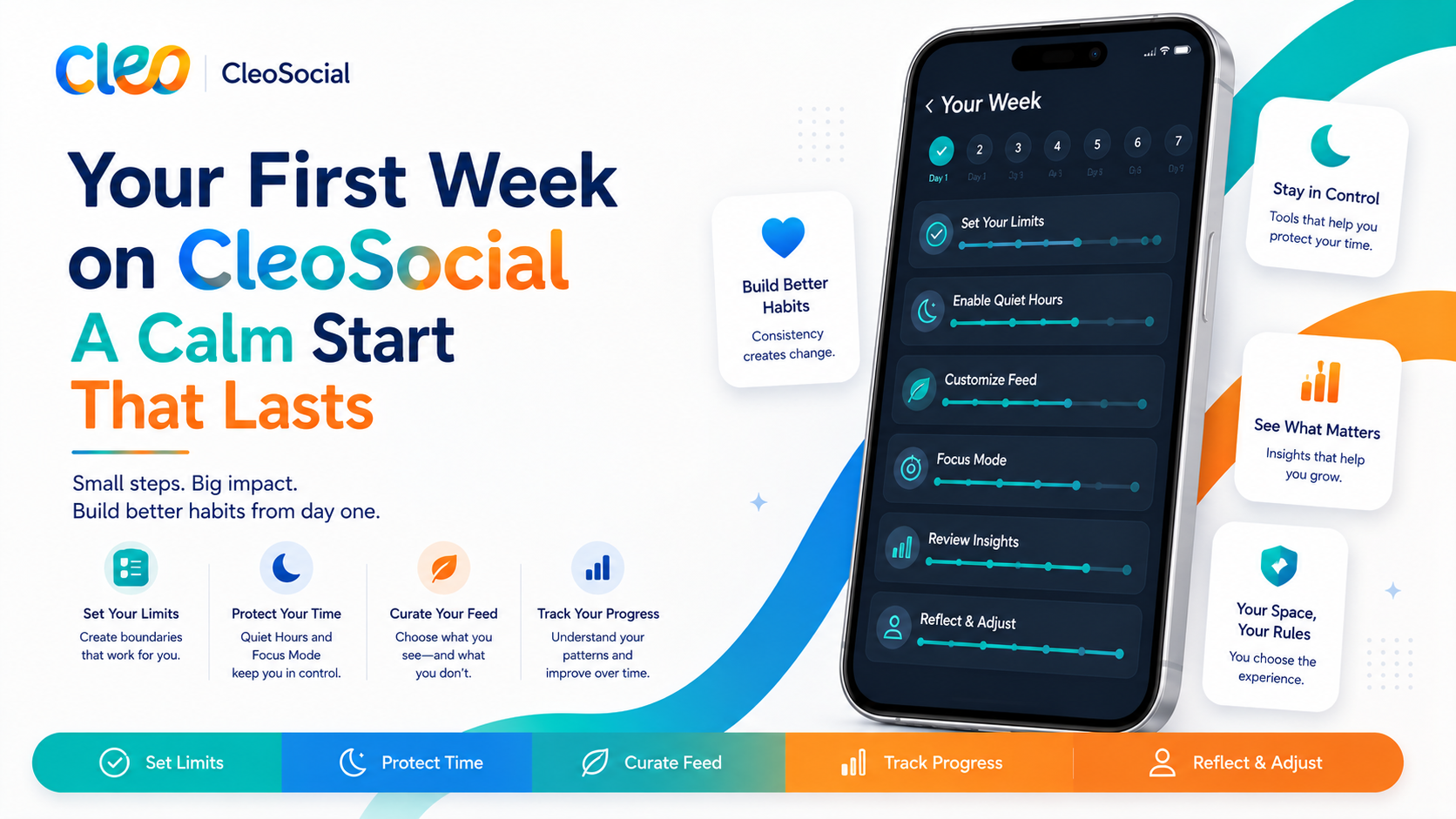
Table of Contents
Your First Week on CleoSocial: What to Expect, Day by Day
Every app store screenshot shows you the product at its best. What none of them show is the adjustment period — the honest, slightly awkward first week where an old habit meets a new design. This post walks through that week on CleoSocial, day by day, including the parts that feel strange before they feel good.
We wrote it because accurate expectations are the difference between evaluating the app and abandoning it on day two for reasons that would have resolved by day five.
Day 1: Setup and Novelty
The first fifteen minutes are configuration — worth doing properly, in order: rating ceiling, Feed Control, one Quiet Hours window. We have a full walkthrough of the first seven settings; do not skip the Feed Control minutes, since an untuned feed is the app at its least itself.
Then the first scroll. Two things register immediately. The rating badges — G, PG, PG-13 on each post, novel enough that you check a few out of curiosity. And the pace: no autoplay ambush, nothing engineered to spike you. Depending on what you came from, this reads as "calm" or as "quiet." Both impressions are accurate. Note which one you had; it matters on day seven.
Day 2: The Comparison Reflex
Day two is when your brain starts benchmarking against your old feed, and the old feed wins on one axis immediately: abundance. Years of an engagement algorithm learning your buttons produces a bottomless, expertly-tuned stream. A settings-driven feed on a growing network cannot match that volume on day two, and pretending otherwise would be dishonest.
What you get instead is starting to show, though: everything in the feed is inside your ceiling, on the topics you chose. Nothing has cornered you yet. You may not consciously notice this — absence is hard to notice. Day five will make it visible.
Day 3: Phantom Checks and the First Quiet Evening
Day three belongs to muscle memory. Your thumb reaches for where the old app was, finds CleoSocial (you did swap the home-screen spots, yes?), opens it without any notification having asked. The feed is fine — but the reach happened on autopilot, and noticing that is genuinely useful data about how you scroll.
If you set the evening Quiet Hours window, tonight is likely your first full experience of it: no pings after your start time. The first quiet evening is the strangest — pleasant, with a low-grade itch. The itch is not the app failing; it is the leash loosening. It fades by the weekend, and watching it fade is worth the mild discomfort.
Day 4: Calibration Day
By now you have enough scrolling behind you to adjust intelligently. Typical day-four tweaks: nudging the ceiling one notch (in either direction — some people discover PG-13 lets in more heat than they want; others find PG too placid), adding a topic to Feed Control, widening the Quiet Hours window because the first one was timid.
Make the tweaks. This is not the setup failing; it is the entire premise working — a feed that adjusts to you, rather than an algorithm adjusting you to it. Most people touch the dials on day four and then barely again.
Day 5: The Absence Becomes Visible
Day five is where the app makes its real argument, and it makes it through something that does not happen. At some point you will realize you have been scrolling without bracing — without the little pre-flinch of "what is it going to show me?" that mainstream feeds train into everyone. Usually the realization arrives via contrast: you open an old app for an errand, feel your shoulders do the thing, and recognize the difference on the way back.
This is the moment the rating system stops being a UI feature and becomes what it is: a consent mechanism you have been benefiting from all week without thinking about it. The badges became furniture around day three; day five is when you notice the furniture has been holding you up.
Day 6: The Feed Feels Different Because It Is Yours
By day six, Feed Control has your real preferences and discovery has seeded the network's growth into your feed. The volume question from day two has usually softened — not because the feed got infinite, but because it got accurate. A feed of things you actually chose reads differently than a stream optimized to be unputdownable; less compulsive, more like reading something you picked up on purpose.
Day six is also a good day to try Mindful Discovery properly if you haven't: exploring with your ceiling intact is the app's quiet superpower, especially while your follow graph is young.
Day 7: The Fair Verdict
Now judge — with the right test. Not "did this replace my old app's volume?" (it did not, and week one on any growing network never will). The fair questions:
- Did anything ambush you this week? On your old feed, over any given week, something usually did.
- How did the evenings feel? Quiet Hours either changed them or it didn't; you know which.
- Where does your thumb go now, and how do you feel when it lands? Bracing or not bracing is the whole ballgame.
- Do you miss specific people, or specific intensity? Missing people is solvable — invite one, or run the two-app split. Missing the intensity is real information too; the app is not for everyone, and day seven is exactly when to be honest about it.
If the week earned a second week, no action needed — the settings are already yours and the feed keeps growing into them. If it did not, deleting the app costs you nothing; we hold no streaks, data, or connections hostage, on principle.
If You Skipped Setup: The Day-One Do-Over
A note for the reader who downloaded first and found this post second: if your first days did not match this timeline — the feed felt generic, nothing seemed different — the likeliest cause is a default install. An unconfigured CleoSocial has R filtered (that is always on by default) but knows nothing about your topics and guards none of your hours. Ten minutes fixes it: set the ceiling, give Feed Control real input, set the evening window. Then restart your week-one clock from there. The timeline above describes the configured app; the default install is a lobby, not the building.
What Week Two Looks Like (Preview)
For calibration, the short version of what follows if you continue. Week two is when the app stops being an experiment and becomes furniture: the settings you tuned on day four go untouched, the phantom checks are mostly gone, and Quiet Hours stops feeling like a feature and starts feeling like how evenings work. The network keeps growing into your Feed Control choices, so the feed gets incrementally denser without any action from you.
Week two is also when most people make the social move they skipped in week one — telling a friend, or deciding deliberately on the two-app arrangement. Both work; the difference is only whether your feed's growth includes people you know. Nothing in week two requires new effort, which is the point: the app front-loads its configuration so the steady state is just scrolling, at your ceiling, on your hours.
The Week in One Table
| Day | What happens | What it means | |---|---|---| | 1 | Setup + novelty; badges are interesting | Configure properly — 15 minutes | | 2 | Comparison reflex; old feed wins on volume | Expected; withhold judgment | | 3 | Phantom checks; first quiet evening | The leash loosening, visibly | | 4 | Calibration tweaks | The premise working, not failing | | 5 | You notice you stopped bracing | The actual product, felt | | 6 | Feed accuracy beats feed volume | Yours, in the meaningful sense | | 7 | The fair verdict | Four questions above |
One week, honestly described. If that sounds like a week worth running: download CleoSocial free from the App Store and start with the seven settings. Day five is worth the mild weirdness of day three — and you now know exactly which weirdness to expect.
Ready for Social Media That Respects You?
CleoSocial puts you in control. Content ratings, time limits, and real connections. Free to use, always.

Continue Reading
The Attention Budget: A Practical Framework for Your Scroll
August 22, 2026
The 10-Minute Feed Audit: Test What Any Social App Really Shows You
August 13, 2026