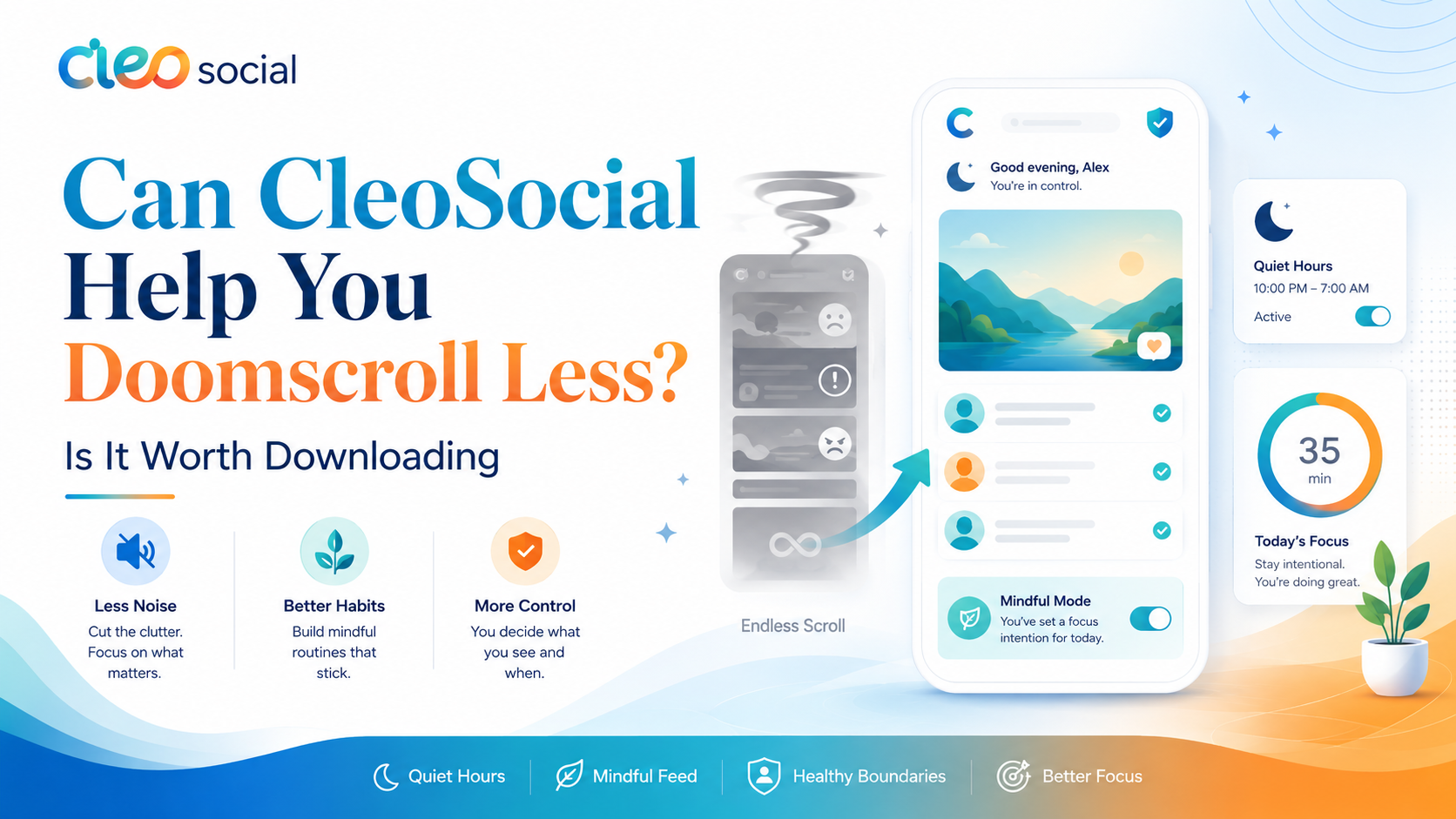
Is CleoSocial Worth Downloading? An Honest Look Before You Decide
Is CleoSocial worth downloading? If you are asking that question, you are probably fed up with social media. Maybe your feed feels like a stream of stress....
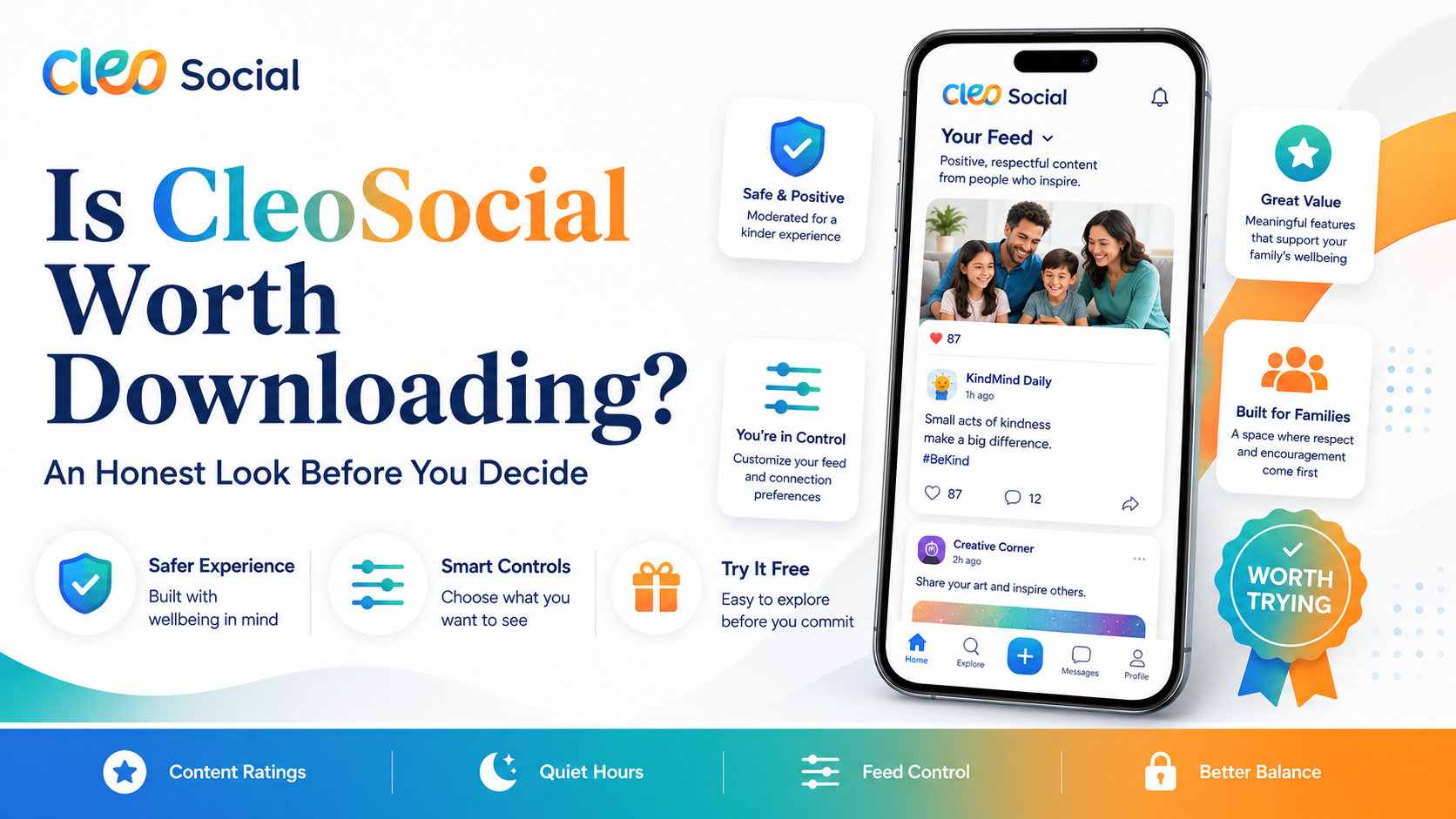
Table of Contents
Is CleoSocial Worth Downloading? An Honest Look Before You Decide
Is CleoSocial worth downloading? If you are asking that question, you are probably fed up with social media. Maybe your feed feels like a stream of stress. Maybe you scroll for 20 minutes and feel worse than when you started. CleoSocial is built for people in exactly that spot.
This article gives you an honest look at what the app does so you can decide if it fits your life.
Is CleoSocial Worth Downloading for a Calmer Feed?
The short answer is: yes, if you want more control over what you see.
CleoSocial uses AI to rate every post in your feed like a movie — G, PG, PG-13, or R. R-rated content is filtered out by default. You choose the rest. This means you can set your feed to show only G and PG content, or let PG-13 through if you want.
The app's AI guardian is named Cam. Cam does the rating work in the background so you do not have to manually block or mute content one piece at a time.
Most social apps are designed to keep you scrolling. CleoSocial calls itself "social media engineered for sanity." The goal is the opposite of engagement-at-any-cost — it gives you tools to step away when you want.
What You Get When You Download CleoSocial
Here is what the app includes, based on the official site at cleosocial.app and the App Store listing:
AI Content Ratings (G/PG/PG-13/R). Every post gets a rating before it hits your feed. You set the level you want to see. You stay in control.
Quiet Hours. You pick times when the app goes quiet. Set a window before bed, during dinner, or during the work day. The app respects your time.
Feed Control. You decide what types of posts appear. The feed is not built to maximize your time in the app — it is built to show you what you actually want.
Mindful Discovery. When you browse for new content, the discovery feature shows you what you asked for, not what an algorithm thinks will keep you glued to your phone.
Free on the App Store. CleoSocial is free to download. There is no charge to sign up and use the app.
Who Gets the Most Value from CleoSocial?
CleoSocial is not for everyone. Here is an honest breakdown of who it tends to help most:
People who feel drained by their current feed. If opening social media feels like a chore, or if you often see content that upsets you, the AI rating system can make a real difference.
People trying to scroll less. The Quiet Hours feature is useful if you have tried to cut back on screen time but keep picking up your phone out of habit.
Parents. If you share devices or want a safer app to use yourself, the content rating system gives you more control than most social apps do.
People blindsided by graphic or disturbing content. Not everyone searches for upsetting content — sometimes it just shows up. CleoSocial's filtering is designed to reduce that.
Who Might Not Find It Worth It
Be honest with yourself here. CleoSocial may not be the right fit if:
- You are on Android (the app is currently iOS only; check the App Store for the latest)
- You use social media mainly for business or marketing — this app is built for personal use
- You do not mind your current feed and are not looking for a calmer experience
If you fall into any of those groups, the app may not solve the problem you have.
What CleoSocial Does Not Promise
CleoSocial does not claim to block every harmful post. The ratings are AI-generated, and AI can make mistakes. No filter is perfect.
The app also does not promise to fix anxiety or improve your mental health. It offers tools — content ratings, Quiet Hours, Feed Control — that can help you have a calmer experience. How much those tools help depends on how you use them.
No mental health outcomes are guaranteed. If you are dealing with serious anxiety or distress, please talk to a health professional.
Is CleoSocial Worth Downloading? How to Decide
Ask yourself these questions:
- Do you often feel worse after using social media?
- Do you want more control over the content in your feed?
- Have you tried to cut back on scrolling but found it hard?
- Do you want a social app that does not push disturbing content at you?
If you said yes to two or more of those, CleoSocial is likely worth a try. The app is free, so there is no cost risk. You can download it, set up your preferences, and see how it feels.
How to Get Started
- Open the App Store on your iPhone or iPad.
- Search for "CleoSocial."
- Tap Get to download the app — it is free.
- Create your account.
- Set your content rating level (start with G or PG if you want a gentle feed).
- Set your Quiet Hours if you want to limit your scrolling time.
The setup takes about five minutes. After that, your feed will reflect the settings you chose.
The Bottom Line
Is CleoSocial worth downloading? If you are tired of feeling drained by social media and want a feed you actually control, yes. The app is free, it is on the App Store, and it does what it says.
It will not change everything overnight. But it gives you real tools — AI content ratings, Quiet Hours, Feed Control — that most social apps simply do not offer.
Try it for yourself. Search for CleoSocial in the App Store, or go to cleosocial.app to learn more first.
Taking a Closer Look at the Features
Let us go deeper on what each feature actually gives you.
The AI content rating system is the core. Every post in your feed is rated before you see it. Cam — the app's AI guardian — does this in the background. You do not notice it happening. You just notice that your feed looks different. The posts that used to upset you or pull you into a spiral are not there anymore. The ones that match your chosen rating level are.
You set this once during setup. G means only the most mild, all-ages content. PG means a bit more variety but still calm. PG-13 means more topics and more intensity but still no R-rated content. R is off by default. You can turn it on if you want, but most people leave it off.
The key is that you are making this choice once, not fighting with content one post at a time.
Quiet Hours Is More Useful Than It Sounds
Quiet Hours sounds like a small feature. In practice, it can change your phone habits.
Think about the last time you picked up your phone at night without meaning to. You saw a notification. You opened the app. An hour later you were still scrolling. That pattern happens because the app is always there, always ready to pull you back in.
When you set Quiet Hours in CleoSocial, you remove that pull for a set window. No notification means no trigger. No trigger means you have to actively decide to open the app. That small friction is often enough to break the automatic habit.
Set Quiet Hours to match the times you most want to protect. Bedtime is the most common choice. But work hours, family dinner, or weekend mornings all work too. You can set it to whatever window you want.
Feed Control Gives You Something Most Apps Do Not
Most social apps use a recommendation algorithm. The algorithm guesses what you like and shows you more of it. It is often right about what will keep you scrolling. It is often wrong about what will make you feel good.
The algorithm is not trying to make you feel good. It is trying to keep you in the app. Those are different goals.
CleoSocial's Feed Control does something different. It lets you choose what types of content appear. You are not relying on the algorithm to guess. You are deciding directly. If a category of content tends to ruin your mood, you remove it. If you want more of something that brings you calm, you add it.
This is a simple idea. But it is rare in social media apps. Most of them do not want you to have this much control because control means you can reduce how much time you spend.
What Happens in the First Week
The first few days with CleoSocial feel different from most social app onboarding. You are not setting up a profile to impress people. You are setting up a feed to serve you.
You pick your content rating. You set Quiet Hours. You adjust Feed Control. Then you start scrolling. Your feed is calmer right away. You may need to adjust your settings after a day or two. Maybe G is too restrictive and you want PG. Maybe you find one content category still bothers you and you want to remove it.
All of those adjustments take under a minute. The app is designed so that you stay in control even after the initial setup.
Is CleoSocial Worth Downloading for the Long Term?
Yes, if your current social media experience is costing you. If you feel worse after scrolling, if you spend more time than you plan to, if you see content that upsets you — those are real costs. CleoSocial directly addresses them.
The app is free. The features work as described. It takes five minutes to set up. There is no downside to trying it.
Visit cleosocial.app to read more, then download from the App Store.
Ready for Social Media That Respects You?
CleoSocial puts you in control. Content ratings, time limits, and real connections. Free to use, always.

Continue Reading
Best Social Media App for Digital Wellbeing: How CleoSocial Compares
June 25, 2026
Is CleoSocial Worth It for Screen Time Control? An Honest Assessment
June 13, 2026