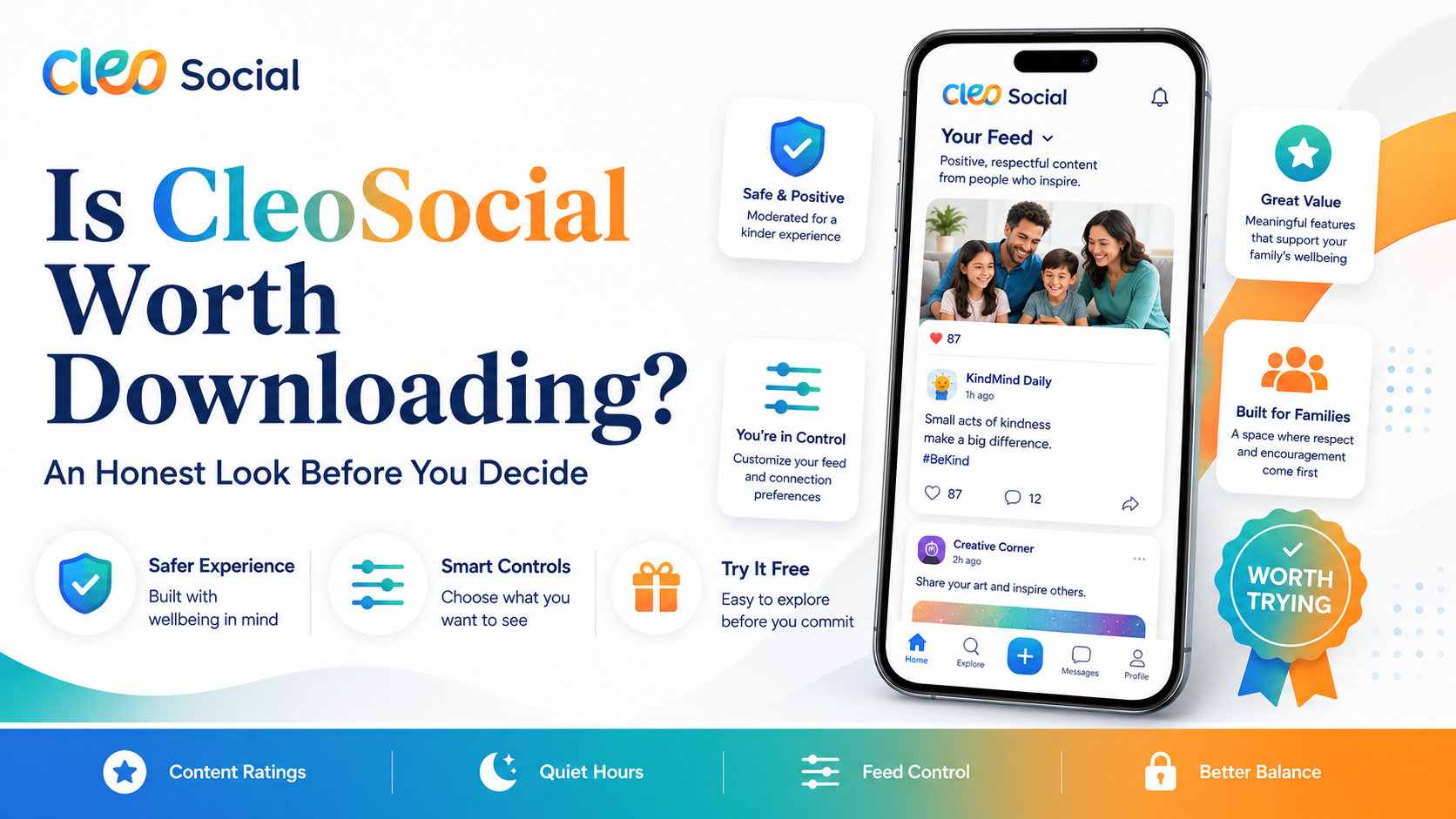
Can CleoSocial Help You Doomscroll Less? Is It Worth Downloading
Can CleoSocial help you doomscroll less? That depends on what is driving your scrolling. If you keep picking up your phone because disturbing content pulls...
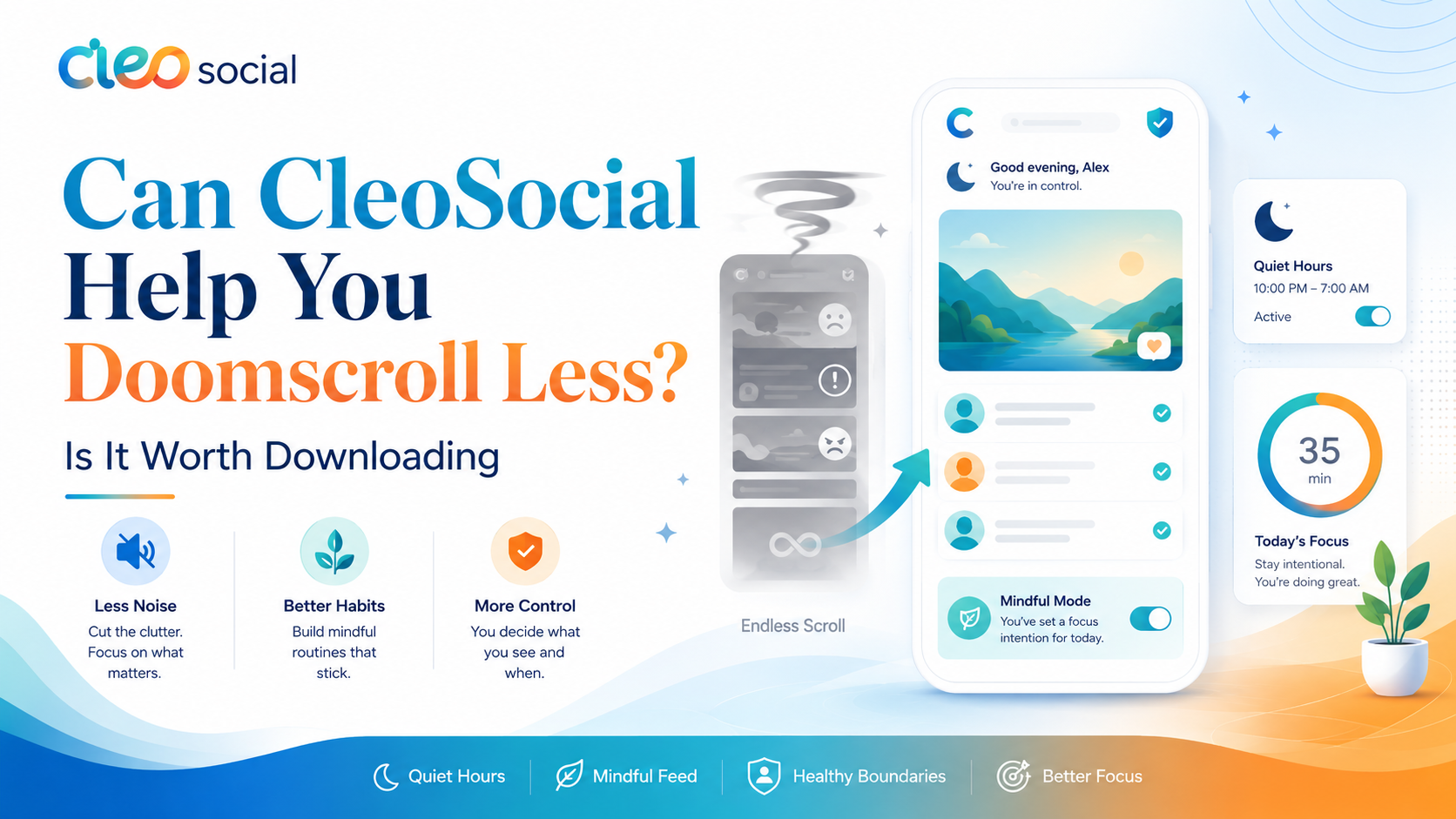
Table of Contents
Can CleoSocial Help You Doomscroll Less? Is It Worth Downloading to Find Out
Can CleoSocial help you doomscroll less? That depends on what is driving your scrolling. If you keep picking up your phone because disturbing content pulls you in and you can not look away. CleoSocial's content filtering can directly address that. If you scroll out of pure habit. The Quiet Hours feature gives you a real boundary to work with.
This article gives you an honest picture of what the app can and cannot do for your scrolling habits.
What Is Doomscrolling?
Doomscrolling is the habit of scrolling through upsetting content. You know it makes you feel worse. But you keep going anyway. Most social apps make doomscrolling easy. Their algorithms push content that gets strong reactions. Strong reactions keep you in the app longer. That is the design.
The result is familiar. You check your feed for a few minutes. Forty minutes later you are still there. You feel stressed. You cannot put the phone down.
CleoSocial was built with the opposite goal. Its tagline is social media engineered for sanity. The app is designed to reduce the pull. Not increase it.
Can CleoSocial Help You Doomscroll Less? Two Key Features
Feature 1: AI Content Ratings
Every post in your CleoSocial feed is rated G, PG. PG-13, or R by the app's AI guardian, Cam. R-rated content is filtered out by default. You control which rating levels you allow.
If your doomscrolling is driven by disturbing news or graphic content, this filter addresses it directly. The posts most likely to hook you tend to carry higher ratings. Violent clips. Graphic images. Outrage content. When those are filtered out, the main trigger for doomscrolling is reduced.
This is different from manually muting content. You set your rating level once. The AI filters automatically. You do not play catch-up with your feed.
Feature 2: Quiet Hours
Quiet Hours lets you set a time window when CleoSocial goes quiet. No notifications, no temptation to open the app during that window.
If you doomscroll late at night or first thing in the morning. Set Quiet Hours to cover those times. The app will not ping you or pull you back in during your set window.
This does not stop you from opening the app manually. But removing the notification trigger takes away one of the main reasons people pick up their phones out of habit.
What CleoSocial Does Not Promise
CleoSocial does not claim to cure doomscrolling. No app can honestly make that promise.
The tools it offers — content ratings, Quiet Hours, Feed Control — can help you have a calmer experience. But how much they help depends on your habits and your use of the settings. If you set your content level to G and strict Quiet Hours and stick to them. You are likely to see a real change in how your feed feels. If you override your own settings or switch to a different app when CleoSocial is in Quiet mode. The app can only do so much.
CleoSocial is a set of tools, not a behavioral fix. Use the tools and they can help. Ignore them and nothing changes.
Feed Control: Shaping What You See
Beyond content ratings. CleoSocial's Feed Control lets you choose what types of posts appear in your feed. This means you are not just filtering by maturity level — you are actively shaping the content mix.
If certain categories of content tend to pull you into a scroll spiral. Breaking news, political content, conflict-heavy posts — Feed Control gives you a way to reduce those. The exact options available are detailed in the app. Visit cleosocial.app for the most current feature list.
Mindful Discovery vs Algorithmic Feeds
One big difference between CleoSocial and other apps is the discovery feature.
On platforms like Instagram or TikTok, discovery is powered by an engagement algorithm. It learns what keeps your attention. It shows you more of the same content. Even when that content makes you feel anxious.
CleoSocial's Mindful Discovery works differently. It surfaces content you asked for. Not content chosen to trigger a strong reaction. This does not eliminate the pull. But it removes one key lever that keeps people scrolling.
Realistic Expectations
Here is an honest breakdown:
What CleoSocial can do:
- Filter high-intensity, upsetting content from your feed automatically
- Give you a boundary around your scrolling time through Quiet Hours
- Put you in control of your feed rather than leaving it to an algorithm
What CleoSocial cannot do:
- Eliminate the habit of picking up your phone entirely
- Guarantee that you will scroll less (that depends on you)
- Block every piece of upsetting content — the AI filter is not perfect
If you combine CleoSocial's tools with your own intention to scroll less. The app can be a meaningful part of the change. On its own, without any change in your habits. It will help with what you see but not necessarily with how often you look.
Who Should Download CleoSocial to Help with Doomscrolling?
CleoSocial is worth trying if:
- You scroll news and disturbing content more than you want to
- You feel worse after using social media and want that to change
- You have tried to cut back but find the content keeps pulling you back in
- You want a social app that does not use dark patterns to keep you hooked
The app is free to download from the App Store. Set up takes about five minutes.
Can CleoSocial Help You Doomscroll Less? The Honest Answer
Yes — it can help, if you use the tools it provides. The AI content filter removes the most likely triggers for a scroll spiral. Quiet Hours gives you real boundaries. Feed Control puts you in charge of what you see.
None of that is magic. But it is more than most social apps offer, and it is free.
Download CleoSocial from the App Store, or visit cleosocial.app to learn more before you decide.
What Actually Drives Doomscrolling
Doomscrolling is not just a habit. It is a response to design. Most social apps are built to keep you looking. They do this by showing you content that triggers strong emotions. Fear, outrage, curiosity, and shock all keep your eyes on the screen. The app learns what gets those reactions from you. It shows you more of the same.
The result is that even when you know the content is making you feel worse. You keep going. The design is working as intended — just not in your interest.
CleoSocial addresses this at the source. The AI content rating filters out the most intense, upsetting posts before they reach you. R-rated content is blocked by default. If you set your level to PG, posts above PG do not appear. The triggers that usually start a scroll spiral are removed.
Quiet Hours Removes a Key Trigger
Most doomscrolling starts with a trigger. You see a notification. You check the app for a second. Forty minutes later you are still there. The notification was the trigger. Removing it breaks the chain.
Quiet Hours in CleoSocial lets you set a window when the app sends no alerts. During that window, there is no notification to trigger the habit. You have to actively decide to open the app. That decision — having to choose rather than just react — is often enough to stop the automatic behavior.
Set Quiet Hours for the times you most want to protect. Late night is the most common problem area. Morning is another. A window from ten PM to seven AM removes two of the most common doomscrolling windows.
Feed Control Removes the Other Trigger
The second main trigger for doomscrolling is the feed itself. When you open the app and see content that upsets you. Curiosity and strong emotion pull you forward. You keep scrolling because you cannot look away.
Feed Control in CleoSocial lets you remove the content categories most likely to pull you into that pattern. If political news tends to send you down a spiral. You can reduce or remove it from your feed. If conflict-heavy content does the same, you can remove that category too.
You are not blocking individual posts. You are shaping the feed at a category level. That is a much more effective approach than trying to mute content one piece at a time.
What to Realistically Expect
Here is an honest set of expectations for someone who downloads CleoSocial to scroll less.
In the first week, your feed will feel noticeably calmer. The most intense content is gone. Quiet Hours means there are windows when the app is not competing for your attention. You will likely spend less time in the app without trying hard.
Over the following weeks. You may find that the habit of picking up your phone starts to change. With fewer triggers and less upsetting content, the automatic pull is weaker. But this depends on what is driving your scrolling. If it is boredom, loneliness, or avoidance. The app helps with the content side but not those underlying causes.
CleoSocial is a tool. Tools help when you use them well. Pair the app with your own intention. Setting Quiet Hours you actually keep, adjusting Feed Control to remove your main triggers — and it can make a real difference.
Can CleoSocial Help You Doomscroll Less? Yes, With One Caveat
Yes, the app can help. The AI content rating removes the content most likely to hook you into a spiral. Quiet Hours removes the notification triggers. Feed Control lets you shape what reaches your feed. The app is not built to maximize your screen time. It is built to give you control.
The caveat: no app fixes everything. If doomscrolling is a symptom of something deeper. Anxiety, stress, difficulty sitting with silence — the right support is a person, not an app. CleoSocial can improve your social media experience. It cannot replace human support for mental health challenges.
Download CleoSocial free from the App Store or visit cleosocial.app to learn more before you start.
Ready for Social Media That Respects You?
CleoSocial puts you in control. Content ratings, time limits, and real connections. Free to use, always.

Continue Reading
Best Social Media App for Digital Wellbeing: How CleoSocial Compares
June 25, 2026
Is CleoSocial Worth It for Screen Time Control? An Honest Assessment
June 13, 2026