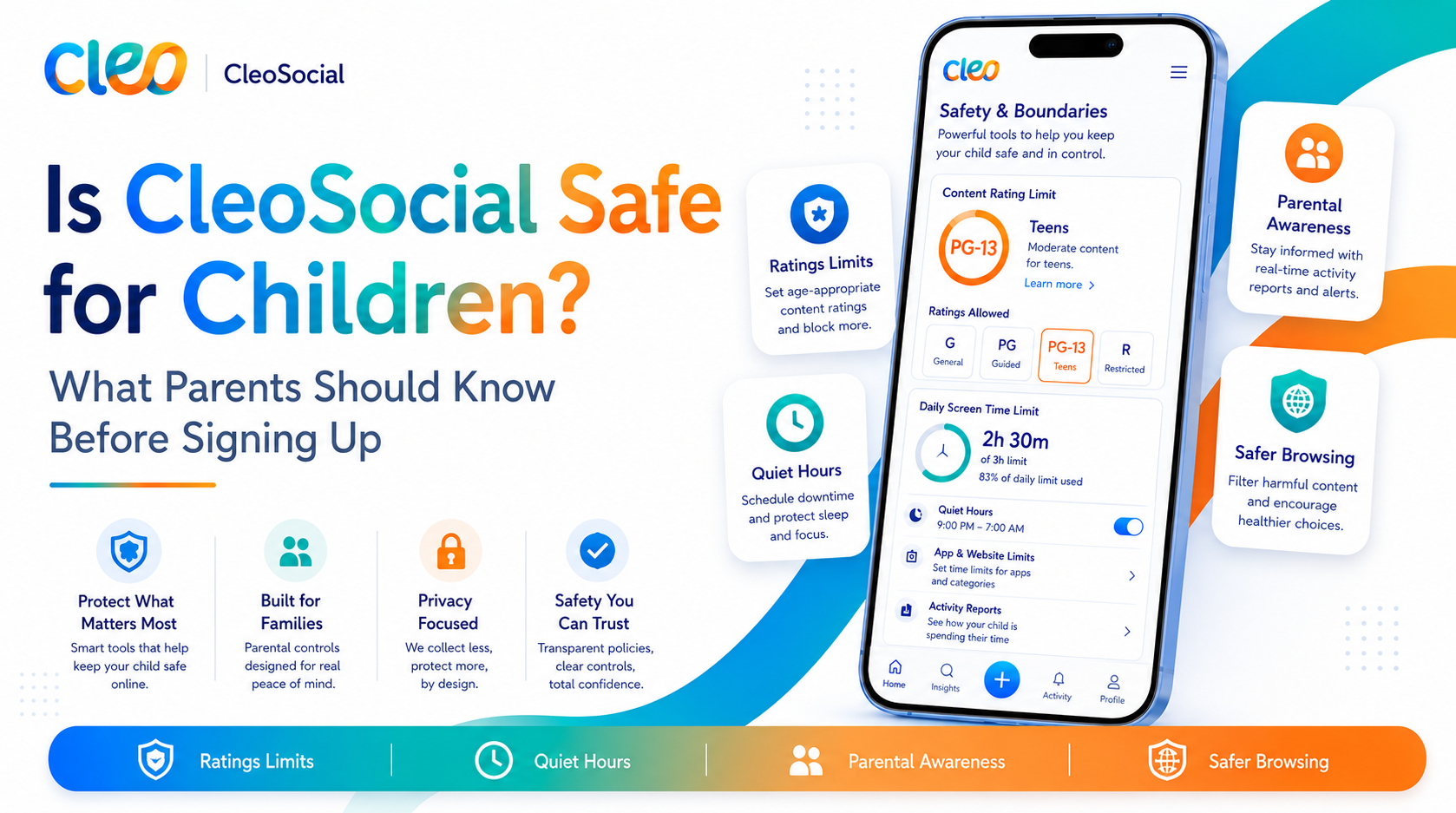
Is CleoSocial Good for Kids and Families? What Parents Should Know
Is CleoSocial good for kids and families? If you are a parent, that question matters a lot. Social media can feel like a minefield for families. You want...
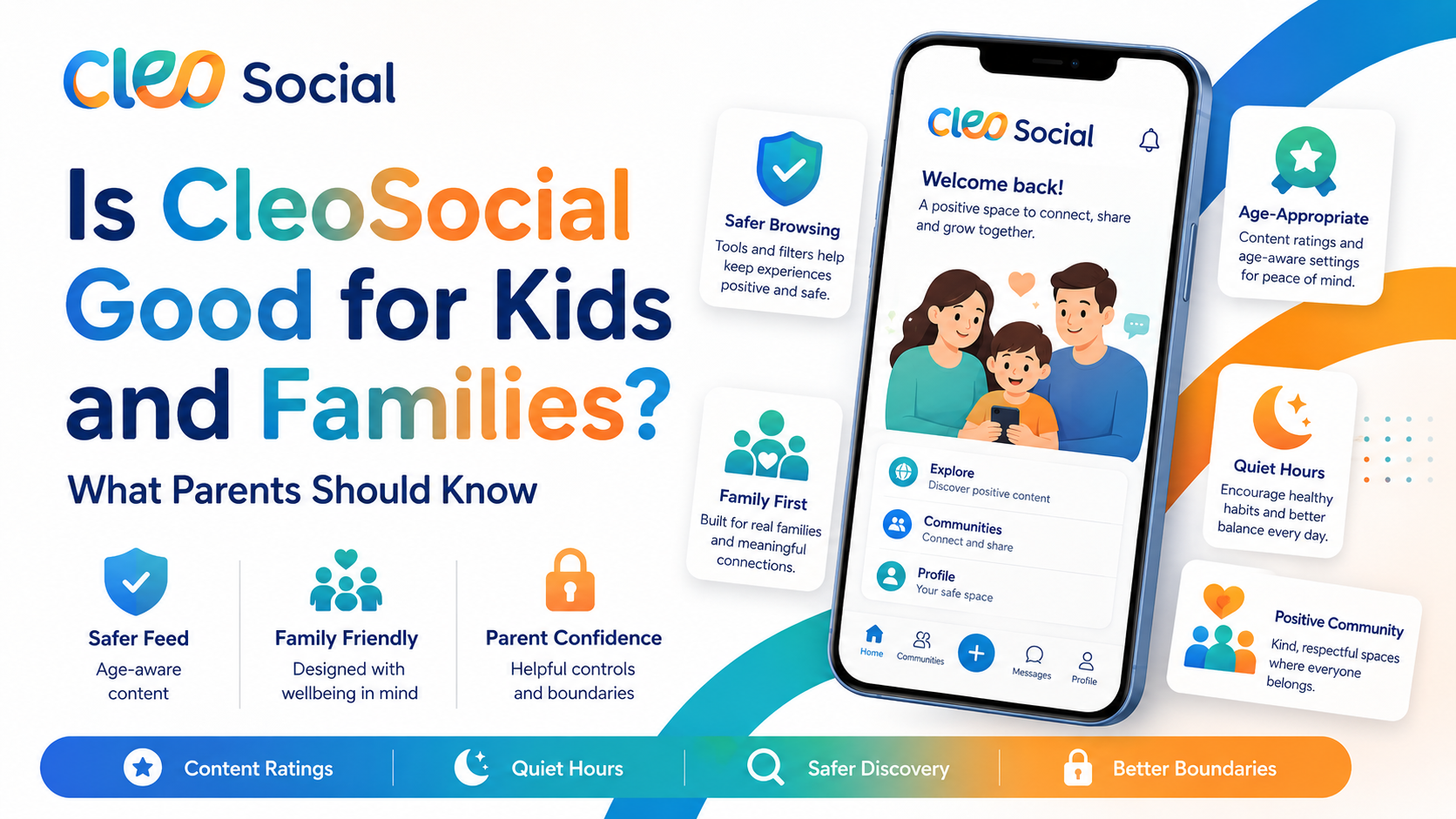
Table of Contents
Is CleoSocial Good for Kids and Families? What Parents Should Know
Is CleoSocial good for kids and families? If you are a parent, that question matters a lot. Social media can feel like a minefield for families. You want your kids — and yourself. To be able to enjoy it without being hit with graphic content, disturbing news, or material that's just not right for them.
This article walks through what CleoSocial offers families, where it works well. What to keep in mind before you decide.
How CleoSocial Works for Families
CleoSocial is built around one big idea: every post gets rated like a movie before it reaches your feed. The ratings are G, PG, PG-13, and R. The app's AI guardian — named Cam — does the rating automatically.
R-rated content is filtered out by default. You choose which other rating levels you allow. This means a parent can set a feed to G-only and know that the AI is screening everything before it shows up.
Most social apps show you almost everything. You block or mute content after you see it. CleoSocial works the other way. It filters before content reaches you. You set the rules.
What Features Matter Most for Families?
AI Content Ratings. This is the core feature for parents. Every post is rated G, PG, PG-13, or R. You set the level. The AI does the filtering. If you want a G-only feed for a younger child or a PG feed for yourself. You set it once and it runs in the background.
Feed Control. Beyond content ratings, Feed Control lets you choose what types of posts appear. You are not at the mercy of an algorithm that shows you whatever gets the strongest reaction.
Quiet Hours. Set times when the app goes quiet — after school, at bedtime, during family dinner. If you want to limit screen time for yourself or model good habits for your kids. Quiet Hours gives you a built-in tool to do that.
Mindful Discovery. When browsing for new content, the discovery feature is designed to surface what you asked for. Not what an algorithm thinks will keep you glued to your phone.
Is CleoSocial Safe for Young Children?
For specific details on age limits and child safety policies. Check the CleoSocial website's Child Safety page. The company is clear that it does not use dark patterns or engagement-maximizing tactics. Sets it apart from most social apps.
The AI rating system can make mistakes — no AI is perfect. A post that should be rated PG might occasionally slip through at G, or vice versa. CleoSocial does not claim its filter is 100% accurate. It is a tool that reduces exposure to harmful content, not a guarantee.
For very young children, no app replaces parental oversight. CleoSocial gives you better tools than most platforms. But your direct involvement still matters most.
How Does CleoSocial Compare to Other Parental Controls?
Most parental control apps work at the device level. They block entire apps or content categories. CleoSocial works at the post level. It filters inside the social feed. These tools solve different problems.
CleoSocial does not replace a parental control app. It is a social media app with strong content filtering built in. If you are looking for device-wide controls, that is a separate tool. If you want a social app that is gentler by design, CleoSocial fills that role.
Is It Free for Families?
Yes. CleoSocial is free to download from the App Store. There is no cost to sign up and no subscription required to use the features described above. Each family member would set up their own account with their own content preferences.
What Families Should Keep in Mind
It is an iOS app. CleoSocial is currently available on iOS. Check the App Store for the latest availability information if you are on Android.
The AI is not perfect. Content ratings are generated by AI, which can make mistakes. Use the app as one layer of protection, not the only one.
It is designed for personal use. CleoSocial is a personal social media app. Not a business or marketing tool. For families. Is actually a good thing — there are no ads to manage or business features to navigate.
Check the Child Safety page. For specific guidance on how the app handles content for children. Visit cleosocial.app and read the Child Safety section before letting younger users sign up.
Who Should Download CleoSocial for Their Family?
CleoSocial is a good fit for families who:
- Want a social app with real content filtering built in, not just mute and block
- Are tired of upsetting or graphic content showing up uninvited
- Want to model calmer social media habits for their kids
- Are looking for an app that isn't designed to maximize screen time
The app is free, it is easy to set up. It gives you more control than most social apps do. That is worth a try.
Getting Started for Your Family
- Open the App Store on your iPhone or iPad.
- Search for "CleoSocial."
- Tap Get — the app is free.
- Create an account and set your content rating level.
- Turn on Quiet Hours for the times you want the app to be quiet.
- If your child is signing up. Review the content settings together and visit the Child Safety page on cleosocial.app for guidance.
The whole setup takes about five minutes. After that, the AI handles the filtering in the background.
The Bottom Line for Families
For families who want a safer social media option, CleoSocial offers real controls. You get AI content ratings. You get Quiet Hours. You get Feed Control. Most apps do not offer these together.
It is not a perfect shield. No app is. But it is built with a clear purpose. It gives users control. It does not run an engagement-at-all-costs algorithm. For parents who are tired of worrying about what their kids (or they themselves) might see online. Is a meaningful difference.
Download CleoSocial free from the App Store, or visit cleosocial.app to read more before you decide.
Setting Up CleoSocial for a Family Member
If you want to set up CleoSocial for yourself or walk a family member through it. Here is what the process looks like.
Download the app from the App Store. It is free. Open it and create an account with an email address and password. During setup, the app asks you to choose a content rating level. For a child or for yourself if you want the calmest possible feed, choose G. This applies the strictest filter. Only posts rated G by the AI will appear.
Set Quiet Hours next. Go to Settings and find the Quiet Hours section. Set a start time and an end time. For children, a good window is after school hours through the morning. This removes the app as a temptation during homework time and at bedtime.
Adjust Feed Control if needed. This lets you pick the types of content that appear. For younger users, you may want to limit to a narrow set of topic categories.
The whole setup takes about ten minutes. After that, the AI runs in the background and does the filtering automatically.
What the AI Content Rating Means in Practice
The G, PG, PG-13, R system is the heart of CleoSocial. Here is what each level means in practical terms.
G means content that is appropriate for all ages and all audiences. It is the most filtered option. For young children, this is the setting to use.
PG means content that is generally fine but may have slightly more intensity or complexity. For older children and adults who want a calm feed, PG is a reasonable middle ground.
PG-13 means the content may include more mature topics or some intensity. Stops short of graphic or adult material. This is a reasonable level for many adults.
R means graphic or intense content. CleoSocial blocks R-rated posts by default for all users. You would have to actively change a setting to allow it.
For families, the G or PG setting gives meaningful protection. The AI is not perfect — no system is. But it adds a real layer of filtering that most social apps do not offer.
Comparing CleoSocial to Other Family Safety Tools
CleoSocial works differently from device-level parental control apps. Parental controls work at the operating system level. They can block entire apps, set time limits across all apps, and track usage by category. CleoSocial works inside one app — it controls what appears in that specific feed.
These tools solve different problems. If you want to block all social media for a child. A parental control app is the right tool. If you want a social app that is less likely to show upsetting or inappropriate content. CleoSocial fills that role.
For families who allow social media use. CleoSocial gives you something most platforms do not: a feed your child sees that was filtered before it arrived, not moderated after you complain.
The Honest Limits
No app is a perfect substitute for your involvement as a parent. The AI rating system can make mistakes. A post that should be rated R might occasionally get through at PG-13. That is a real limitation.
CleoSocial does not have a feature that links your parent account to your child's account for remote monitoring. The content settings live on the child's device. Check on them from time to time to make sure the settings are still what you chose.
For specific guidance on age limits and child safety policies. Visit cleosocial.app and read the Child Safety section before setting up an account for a child.
The Bottom Line for Families
For families who want a social app with real content filtering built in. Not bolted on — CleoSocial is worth trying. It is free. The AI rates every post before it appears. Quiet Hours lets you set boundaries on when the app is active. Feed Control lets you shape the content mix.
It is a better starting point than any mainstream social platform for family use. Download it free from the App Store or visit cleosocial.app to learn more.
Ready for Social Media That Respects You?
CleoSocial puts you in control. Content ratings, time limits, and real connections. Free to use, always.

Continue Reading
How to Choose a Safer Social Media App for Your Family: What to Look For
June 18, 2026
Is CleoSocial Good for Teens? What Parents Need to Know Before They Download
June 6, 2026