Is CleoSocial Safe for Children? What Parents Should Know Before Signing Up
Is CleoSocial safe for children? If you are a parent evaluating social apps, that question matters more than almost anything else. Most social apps are not...
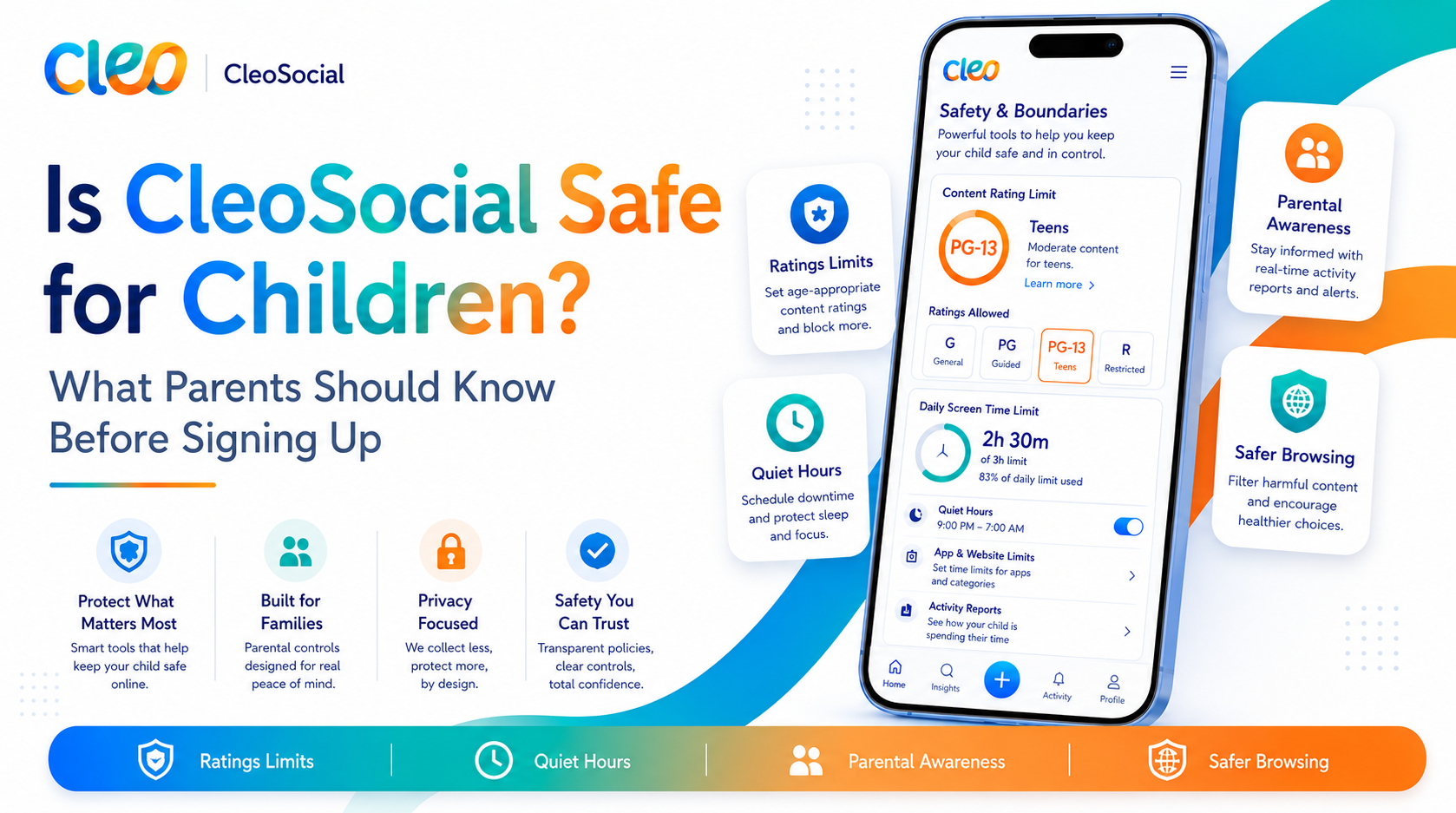
Table of Contents
Is CleoSocial Safe for Children? What Parents Should Know Before Signing Up
Is CleoSocial safe for children? If you are a parent evaluating social apps, that question matters more than almost anything else. Most social apps are not designed with children in mind. CleoSocial is different in how it approaches content. You should know the specifics before you let a child sign up.
This article covers what the app does, what it does not do. What to check before you decide.
Is CleoSocial Safe for Children? How the App Is Built
CleoSocial is built around one idea: every post in your feed gets rated before you see it. The app's AI guardian, Cam, assigns each post a rating. G, PG, PG-13, or R — based on its content. R-rated posts are filtered from your feed by default. You set the ceiling for everything else.
For children, a parent can set the account to G-only, which applies the strictest filter. The AI then reviews every post against that standard before it shows up.
This is a meaningfully different approach from most social apps. On Instagram, TikTok, or Facebook. Content appears in the feed first and gets removed only after it is flagged. On CleoSocial, the AI rates it first. That does not mean every harmful post is caught. AI is not perfect — but the design works in a safer direction.
Key Safety Features for Children
AI Content Ratings (G/PG/PG-13/R)
Set to G, the feed filters out everything above a general-audience level. This is the most protective setting available for young users.
The AI makes mistakes sometimes. A post that should rate PG might slip through at G. CleoSocial does not claim 100% accuracy. Think of the AI rating as a strong first filter, not a guarantee.
R-Rated Content Filtered by Default
R-rated posts never appear in any feed unless the user explicitly changes that setting. For children using the app with a parent-set G or PG level. This default provides an additional layer.
You can set Quiet Hours to cover times when a child should not be on social media. School hours, bedtime, homework time. During the Quiet Hours window, the app does not send notifications.
This is a soft boundary: a child could still open the app during Quiet Hours if they choose to. It works best as part of an ongoing family conversation about screen time. Not as a technical lockout.
No Dark Patterns
CleoSocial states it does not use dark patterns. Design tricks meant to keep users in the app longer. This matters for children particularly: apps that use attention-maximizing tactics are harder for kids to put down. The content they push is often more intense.
Feed Control
Feed Control lets you shape the types of content that appear. For a child's account. Setting up Feed Control alongside the G or PG rating level gives you two layers of customization.
What CleoSocial Does Not Do for Child Safety
Be honest about the limits:
There is no parent-linked account system. CleoSocial does not have a feature where a parent's account is connected to a child's account for remote monitoring or management. The content settings are on the child's device. If a child changes the settings, a parent would need to check the device to know.
The AI filter is not perfect. AI content ratings can make mistakes. CleoSocial does not guarantee zero exposure to inappropriate content.
It does not replace supervision. No app substitutes for active parental involvement. For young children especially. A strong protection is a combination of good tools (like CleoSocial's content ratings) and ongoing conversation about what they see online.
Check the Child Safety page. For specific policies on minimum age, how the app handles child accounts. Safety guidance, visit the Child Safety section at cleosocial.app. Always read this before setting up an account for a child.
At What Age Is CleoSocial Appropriate?
For exact age limits and terms of service details, check cleosocial.app. The App Store listing also shows the app's age rating. Do not assume any social app is appropriate for very young children without checking.
As a general note: most social apps are not designed for children under 13. CleoSocial's content rating system makes it more configurable than most. It is still a social media app. Use your judgment and check the official policies.
Comparing CleoSocial to Other Options for Children
TikTok has a Family Pairing feature that lets parents manage some settings on a teen's account. Its algorithm is highly engaging and the content moderation is reactive.
Instagram has some parental supervision tools and a Teen Accounts feature (check the App Store for the current version). The core algorithm is engagement-driven.
Dedicated kids apps like YouTube Kids or Messenger Kids are built specifically for children with more restrictive content environments. These may be more appropriate for younger children than CleoSocial.
CleoSocial sits between those extremes: more content control than standard social apps. Not purpose-built for young children the way a kids app is.
How to Set Up CleoSocial for a Child
- Visit cleosocial.app and read the Child Safety section first.
- Check the App Store listing for the current age rating and data practices.
- Download CleoSocial (free on the App Store).
- Create the account together with your child.
- Go to Settings → set the content rating to G for the most filtered feed.
- Set Quiet Hours to cover school and bedtime.
- Adjust Feed Control to match what you want your child to see.
- Check back on the settings periodically — settings can be changed on the device.
Is CleoSocial Safe for Children? The Bottom Line
CleoSocial offers more built-in content protection than most social apps through its AI content rating system, G-level filtering. Quiet Hours. The design does not use dark patterns or engagement-maximizing tactics.
It is not perfect. No app is. The AI can make mistakes, there is no remote parent account link. It does not replace an active conversation with your child about online safety.
But compared to mainstream social platforms. CleoSocial is built with a notably safer approach to what appears in your feed.
Before signing up a child. Read the Child Safety section at cleosocial.app and check the App Store privacy label.
Download CleoSocial free from the App Store, or visit cleosocial.app to start your review there.
The Most Important Thing Parents Should Do First
Before setting up any social media app for a child, read the terms of service. Find the minimum age requirement. Find the child safety section. For CleoSocial, visit the Child Safety page at cleosocial.app before creating an account.
This step is not optional. Terms of service tell you who can use the product. If your child does not meet the minimum age, do not create the account.
After reading the policies and confirming your child meets the requirements, proceed with setup.
Setting Up a Child-Appropriate Account
Here is the setup process for a child's CleoSocial account.
Download CleoSocial from the App Store on the device the child will use. Open the app. Create an account with an email address you control. Use a password that you know and that the child knows. Verify the email from the inbox.
During setup, choose the content rating level. For most children, G is the right starting point. This is the strictest filter. Only posts that the AI rates G will appear in the feed. You can always raise the level later if the feed feels too limited.
Set Quiet Hours to cover the times the child should not be using social media. School hours and bedtime are the most important. A window from eight PM to seven AM removes the late-night temptation. A block during school hours removes the distraction during class.
Go through Feed Control together. Choose a limited set of content categories that match the child's interests. Starting narrow is better. You can expand later.
Having the Conversation About Content Ratings
Children understand the movie rating system. G, PG, PG-13, and R are already familiar concepts for most kids who watch movies. This makes it easy to explain how CleoSocial works.
Tell your child that every post in CleoSocial gets a rating before they see it. Just like movies. The account is set to G. Means only posts that Cam — the app's AI guardian — rates G will appear. If Cam rates something higher than G, it does not show up.
Explain that this does not mean CleoSocial is boring. It means the feed has been set up to show content at a level that is right for them. As they get older, the settings can change.
This kind of explanation gives the child a mental model for how the filter works. Children who understand the system are more likely to work with it. Not around it.
What to Check Periodically
Check the account settings every few months. Is the content rating still what you chose? Are Quiet Hours still configured? Have the Feed Control categories changed?
Any changes from what you set up together are worth a conversation. Not a punitive one. An honest one. Why did you change it? What were you looking for?
Regular check-ins make the safety features more durable and keep the conversation about healthy social media use active.
Is CleoSocial Safe for Children? Final Answer
CleoSocial is safer than most mainstream social apps for children. The AI content rating system gives parents real control. The G-level filtering option removes the most intense content. Quiet Hours sets time boundaries. Most platforms do not offer all of this.
It is not perfect. The AI can make mistakes. There is no remote monitoring feature. It does not replace your involvement as a parent. But it is a meaningful starting point.
Read the Child Safety section at cleosocial.app before setting up an account for a child. Download the app free from the App Store when you are ready to get started.
Ready for Social Media That Respects You?
CleoSocial puts you in control. Content ratings, time limits, and real connections. Free to use, always.

Continue Reading
How to Choose a Safer Social Media App for Your Family: What to Look For
June 18, 2026
Is CleoSocial Good for Teens? What Parents Need to Know Before They Download
June 6, 2026