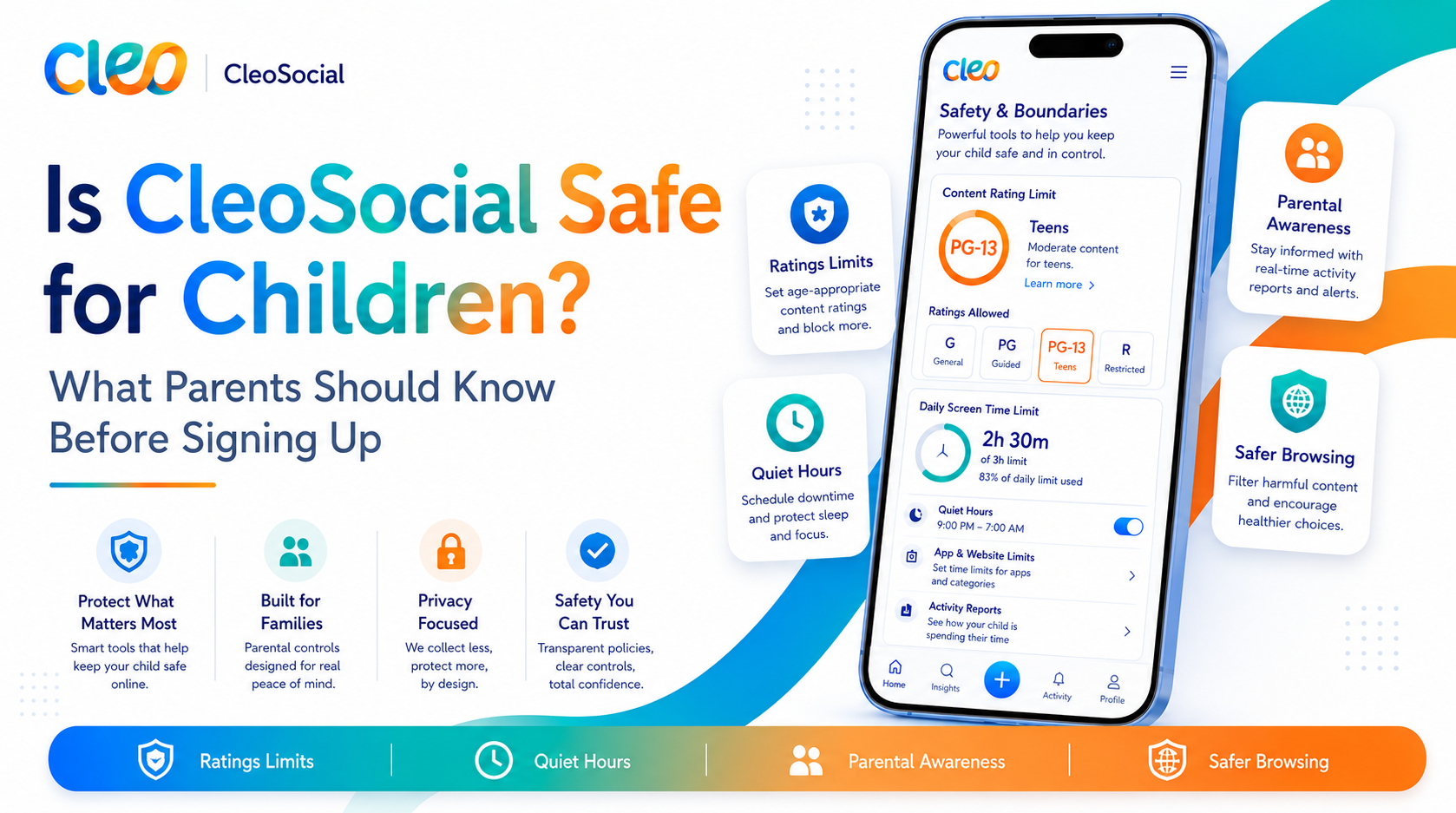
How to Choose a Safer Social Media App for Your Family: What to Look For
Choosing a safer social media app for your family is not a simple question. There are dozens of apps, and most of them describe themselves as safe. But...
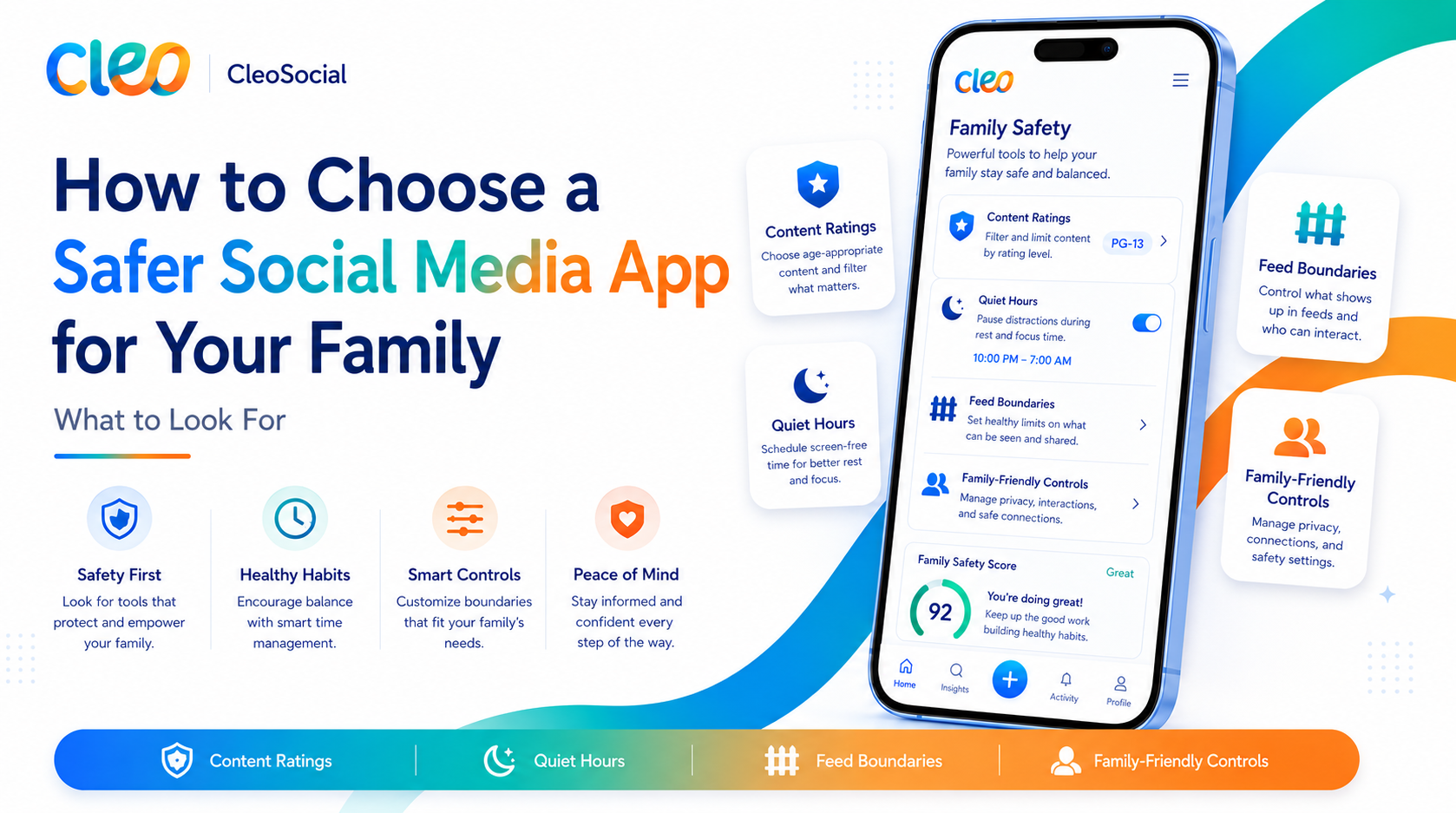
Table of Contents
How to Choose a Safer Social Media App for Your Family: What to Look For
Choosing a safer social media app for your family is not a simple question. There are dozens of apps, and most of them describe themselves as safe. But "safe" is easy to say and hard to define. This guide gives you concrete criteria to evaluate any social app. You can make an informed decision for your family.
The Criteria That Matter
When you evaluate a social media app for family use. Look at these six areas:
1. Content Filtering: How Does the App Handle Harmful Content?
This is the most important factor. Ask:
- Does the app filter content before it reaches your feed, or only after someone flags it?
- Is filtering automatic, or do you have to manually block and mute content?
- How granular are the controls? Can you set a specific content level (like G or PG), or just choose between "safe" and "standard"?
What to look for: An app that rates content before it appears is a stronger choice. One that relies on user reporting after the fact is weaker.
How CleoSocial handles it: Every post is rated G, PG, PG-13, or R by AI before it reaches your feed. R-rated content is filtered by default. You set the ceiling. This is proactive filtering, not reactive.
2. Algorithmic Design: Is the App Built to Hook You?
Most social apps are built to maximize engagement. Meaning they show you content that provokes a stronger reaction. That keeps you in the app longer. For families (and adults, too), this can mean more upsetting. Intense, or anxiety-spiking content reaches the feed.
What to look for: An app that says clearly it does not use engagement-maximizing algorithms. Dark patterns, or hidden tactics to keep you scrolling.
How CleoSocial handles it: The company states explicitly that it does not use dark patterns or engagement-maximizing design. The feed is driven by your preferences, not an algorithm optimizing for your reaction.
3. Screen Time Controls: Does the App Help You Step Away?
Many social apps have some screen-time tools. They are often added as an afterthought and easy to bypass. Meaningful screen-time support is built into the design.
What to look for: Features like scheduled quiet periods. Notification limits, or easy ways to pause the app.
How CleoSocial handles it: Quiet Hours lets you set a window when the app goes silent. No notifications, no pull to scroll. You choose the times.
4. Transparency: Does the Company Tell You What It Does?
Privacy policies and terms of service matter. An app that is vague about how your data is used or what its algorithm does is harder to trust.
What to look for: A clear privacy policy, App Store privacy labels. A company that states plainly what it does with your data.
How CleoSocial handles it: CleoSocial's position on dark patterns. Hidden algorithms is stated publicly on cleosocial.app. The company is clear about its design philosophy. For specific data practices. Read the privacy policy and check the App Store privacy label.
5. Age Appropriateness: Is the App Designed for Your Child's Age?
Different ages need different protections. A 7-year-old and a 16-year-old have very different needs.
What to look for: Specific age restrictions, content tiers that match different age groups. Any resources for parents about age-appropriate use.
How CleoSocial handles it: The content rating system (G. PG, PG-13, R) maps naturally to different ages. A G-only feed for younger children, PG-13 for older teens. For specifics on age limits and child safety. Visit the Child Safety section at cleosocial.app. No social app should be unsupervised for very young children.
6. Ease of Setup: Can a Busy Parent Actually Use the Controls?
a strong parental controls in the world are useless if they take 45 minutes to configure. Look for apps with straightforward settings that you can review and adjust easily.
How CleoSocial handles it: The setup takes about five minutes. You choose a content rating level, set Quiet Hours, and adjust Feed Control. The settings are in one place and easy to find.
Questions to Ask Before Choosing
Here are five questions to ask about any social app you are considering:
- Does it filter content proactively, or only after harmful content appears?
- Is the feed designed to maximize my child's time in the app. Or to respect their time?
- Can I set a quiet period when the app does not send notifications?
- Is the company transparent about its data practices?
- Is the setup something I can actually manage?
If an app answers all five well, it is a strong candidate.
What About Blocking Social Media Entirely?
For some families, the answer is to block social media completely until children are older. That is a valid choice. CleoSocial is not an argument against that. It is an option for families who want to stay connected while reducing the risk.
If your children are already using social media. CleoSocial is worth considering as a safer alternative to the major platforms. If they are not yet using social media. You have more flexibility to decide when and how to introduce it.
How to Get Started with CleoSocial for Your Family
- Visit cleosocial.app and read about the app's approach. Especially the Child Safety section.
- Download CleoSocial from the App Store (free).
- Create an account and set the content rating level that fits your family.
- Set Quiet Hours to cover bedtime and any study-focused times.
- Review the settings together with your child so they understand how the app works.
The whole process takes about 15 minutes.
How to Choose a Safer Social Media App for Your Family: The Bottom Line
a strong social media app for your family is one with proactive content filtering. Transparent design. No dark patterns. CleoSocial meets those criteria. It is free, it is on the App Store. It is built with the opposite goal of most social apps: to give you control instead of taking it.
Download CleoSocial free from the App Store. Or start at cleosocial.app to read more before you decide.
Going Deeper on Each Criterion
Earlier in this article. Six criteria were listed for choosing a safer social media app. Here is more detail on each one to help you apply them to any app you consider.
Content filtering before vs. after. Most platforms filter content reactively. A post goes live. Someone flags it. Moderators review it. If it violates rules, they remove it. The problem is that in the time between going live and removal. Millions of people may have seen it. CleoSocial rates content before it reaches your feed. That is a fundamentally different model.
Algorithmic intent. Ask whether the app is designed to maximize time in the app or to maximize your satisfaction. These are different goals. Engagement-maximizing algorithms often surface upsetting or divisive content because it drives strong reactions. An app designed for satisfaction shows you what you asked for.
Screen time tools. Look at whether the screen time features are central to the product or buried in settings. If they are buried. Is a signal the company does not want you to use them. CleoSocial's Quiet Hours is a prominent feature, not a hidden option.
Transparency. Read the privacy policy. Check the App Store privacy label. Look at the company's website. Does it clearly explain what the app does? Does it make specific claims you can verify? Or is it vague?
Age appropriateness. For children. Look at the minimum age stated in the terms of service, the content controls available. Whether the platform was designed with younger users in mind. CleoSocial's G and PG options give meaningful control for younger users.
Setup simplicity. A parental control that takes an hour to set up is one most parents will not fully use. CleoSocial's setup takes about ten minutes. The fewer barriers to using the controls. The more likely families are to actually use them.
Talking to Your Children About Why You Chose CleoSocial
Choosing a safer app is more effective when your children understand why. Here is how to have that conversation.
Explain that social media apps are built to keep people looking. This is not a conspiracy theory — it is how those businesses work. More time in the app means more ads shown. Means more money for the company. To keep people looking, these apps sometimes show content that upsets people. Strong feelings keep eyes on the screen.
CleoSocial is different because it rates content before it reaches the feed. An AI looks at each post and decides if it is G. PG, PG-13, or R. Your family chose a level. The AI keeps posts above that level out of your feed.
This is not about distrust. It is about setting up a healthier environment. It is like choosing a neighborhood based on what feels right for your family.
Children and teens cooperate better when they understand why. Explain it simply. They are more likely to keep settings in place.
Periodic Check-Ins
After you set up CleoSocial for your family. Plan to check in every few months. Look at the content level settings. Make sure Quiet Hours are still configured correctly. Ask your children how the feed feels. Are they still seeing content that upsets them? Are there categories they want to add or remove?
These conversations keep the safety layer active. Settings can be changed on the device. Regular check-ins help you catch changes and talk about them.
Summary: Making Your Choice
Use the six criteria — proactive filtering, honest design, screen time support, transparency, age appropriateness. Setup simplicity — to evaluate any app. CleoSocial meets all six more directly than any mainstream social platform.
Download CleoSocial free from the App Store. Or start at cleosocial.app to read more before you decide.
Ready for Social Media That Respects You?
CleoSocial puts you in control. Content ratings, time limits, and real connections. Free to use, always.

Continue Reading
Is CleoSocial Good for Teens? What Parents Need to Know Before They Download
June 6, 2026
Is CleoSocial Good for Kids and Families? What Parents Should Know
May 26, 2026